



Updated 19 November 2026: PDF brief template, production steps, video descriptions and FAQ checked; turnaround times aligned with the price grid, summary and author signature harmonized.
How do you make a business video? Start by defining what your audience needs to understand or do, then build the message, the script and the images you need. Production then unfolds in eight steps: objective, message, script, storyboard, shoot, editing, adaptations and distribution. Equipment comes after the first decisions, not in place of them. A technically clean video can still be useless if it does not answer any specific question. To organize the project, appoint a project lead, arrange access and group approvals together. At Biux, the corporate film is delivered 15 days after the shoot. The writing and the organization of the filming are prepared beforehand. Each step ends with an approval so you can move forward on a clear basis. Also think about the 16:9 landscape and 9:16 vertical versions before the shoot. Finally, plan where the video will be used and how you will judge its usefulness. A file delivered with no destination, no context and no internal relay does not amount to a communication strategy.
1. Define the objective before choosing the equipment
A video must respond to a situation. Presenting an offer to a prospect, explaining a procedure and making people want to join a team are three different projects. Start with the recipient, their level of knowledge and the decision to make easier. This first step keeps you from asking the film to tell the whole story.
State the objective simply: “After the video, this person should understand…”. Add an observable piece of information. “We are experts” remains an intention. “They understand how the service is set up” defines content you can actually build and check.
The table links each step to a decision, a deliverable and a concrete consequence if it is overlooked. Use it to assign responsibilities and to place approvals in your production schedule.
| Step | Milestone | Deliverable | Owner | Risk of error |
|---|---|---|---|---|
| Objective | Before the concept | Priority use | Company | Film with no destination |
| Message | Before writing | Idea and proof | Company and agency | Confusing message |
| Script | Before production | Approved outline | Writer and approver | Substantive rework |
| Storyboard | Before the shoot | Planned images | Director | Missing shots |
| Shoot | According to schedule | Picture and sound | Production crew | Unusable material |
| Editing | After collection | Film for review | Post-production | Distorted meaning |
| Adaptations | After approval | Adapted versions | Post-production | Illegible framings |
| Distribution | According to launch | Publication with context | Communications | Underused content |
Also set what the video will not do. A presentation film will not replace all of your sales documentation. A testimonial will not demonstrate every customer’s experience. This limit makes trade-offs easier and makes the project’s promise more credible.
2. Choose a message and a proof point
List the audience’s real questions: what blocks a decision, what they do not understand, what they want to verify. Your sales reps, support teams and recruiters can provide this material. Do not start solely from the usual wording of your company presentation.
Then choose one main idea. The other information should shed light on it, not open independent topics. If you need to present several unrelated offers, plan several pieces of content. A film filled with secondary messages becomes hard to summarize and to reuse.
Link each claim to a proof point. A quality of service can be explained through a method. A feature can be shown on screen. Customer feedback must keep its context. If no proof is available, rephrase the promise rather than reinforcing it with music or a graphic effect.
Biux example: presenting a business with Storm Reply
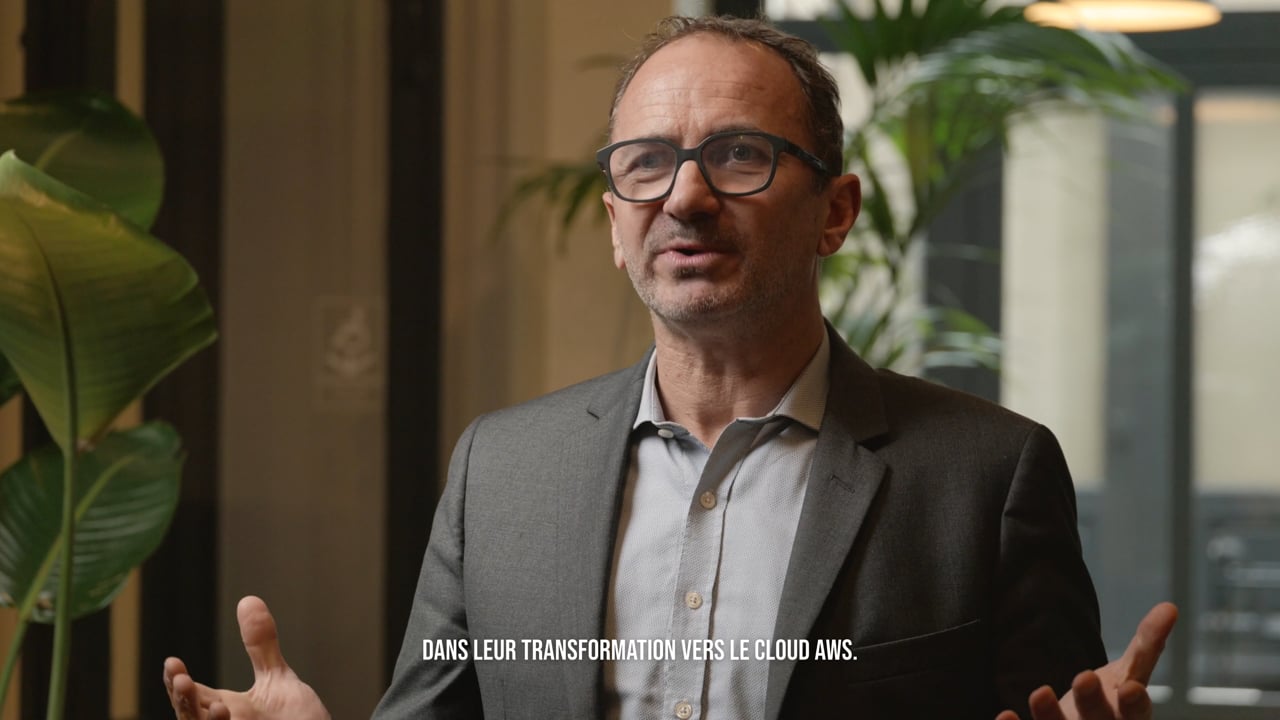
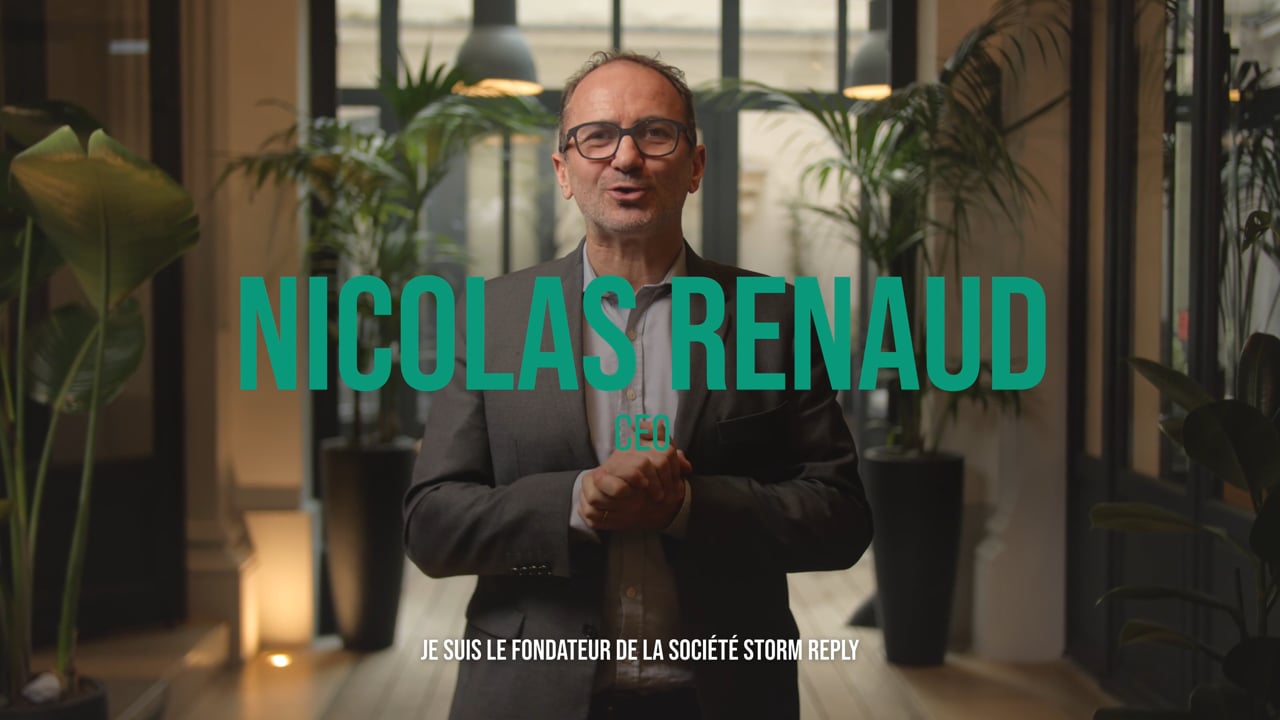
Storm Reply presents its cloud expertise and its team in 2 min 02 s. The testimonials connect a technical business to its practices.
0:00 business · 0:31 expertise
Finally, gather the figures and documents you can use. Note their source and date. A statistic without a defined scope becomes hard to approve during editing. Our guide to writing a video brief helps you organize this information before approaching a production team.
Advice from Kevin Renaud, founder of Biux
“I have the first take played back before continuing the shoot. A distracting noise is fixed on the spot, rarely as effectively in editing. I then check that the answer remains understandable without hearing the question.”
3. Write a script without making speech sound artificial
The complete method, with a two-column template, is in our guide to writing a video script for a business.
The script describes how the film progresses. It can be very precise for a voice-over or more open for an interview. In both cases, it must indicate what each part contributes. Writing does not necessarily mean asking everyone to recite a text.
For an interview, prepare questions that call for self-contained answers. “What helped you decide?” yields more material than “Are you satisfied?”. Ask for an example and have ambiguous words clarified. An answer that starts with “that” or “as I was saying” can become hard to use on its own.
For a voice-over, read the text out loud. A sentence that seems clear on a slide can be heavy to listen to. Cut down lists and explain the acronyms you need. Keep your audience’s vocabulary rather than the vocabulary of your internal organization.
Plan the conclusion at this stage. What next step are you proposing: reading a guide, discovering a service, contacting someone? A conclusion added at the last minute may not match the film’s progression. The message should lead naturally to this action.
Have the substance approved before filming. The competent people must check the facts, sensitive wording and authorized information. Avoid an approval open to the whole company with no final decision-maker: contradictory requests can change the subject after the images have already been produced.
4. Prepare the images with a useful storyboard
The storyboard links an idea to an image. It does not always require sophisticated drawings. Simple frames, references and a description can be enough to check that the film will have coherent material. Above all, the document must be understandable to the people who organize and carry out the shoot.
For each scene, note the location, the people, the action and the information it provides. A shot of a building can situate the company, but it does not prove its method. A generic handshake is no substitute for a scene of collaboration. Look for situations that make the message visible.
Prepare for the practical limits: access, availability, confidentiality and noise. A visually interesting space can be unusable for an interview. A demonstration may require a test account. These questions must be resolved before the day your team is waiting in front of the camera.
Biux example: explaining with Predilis
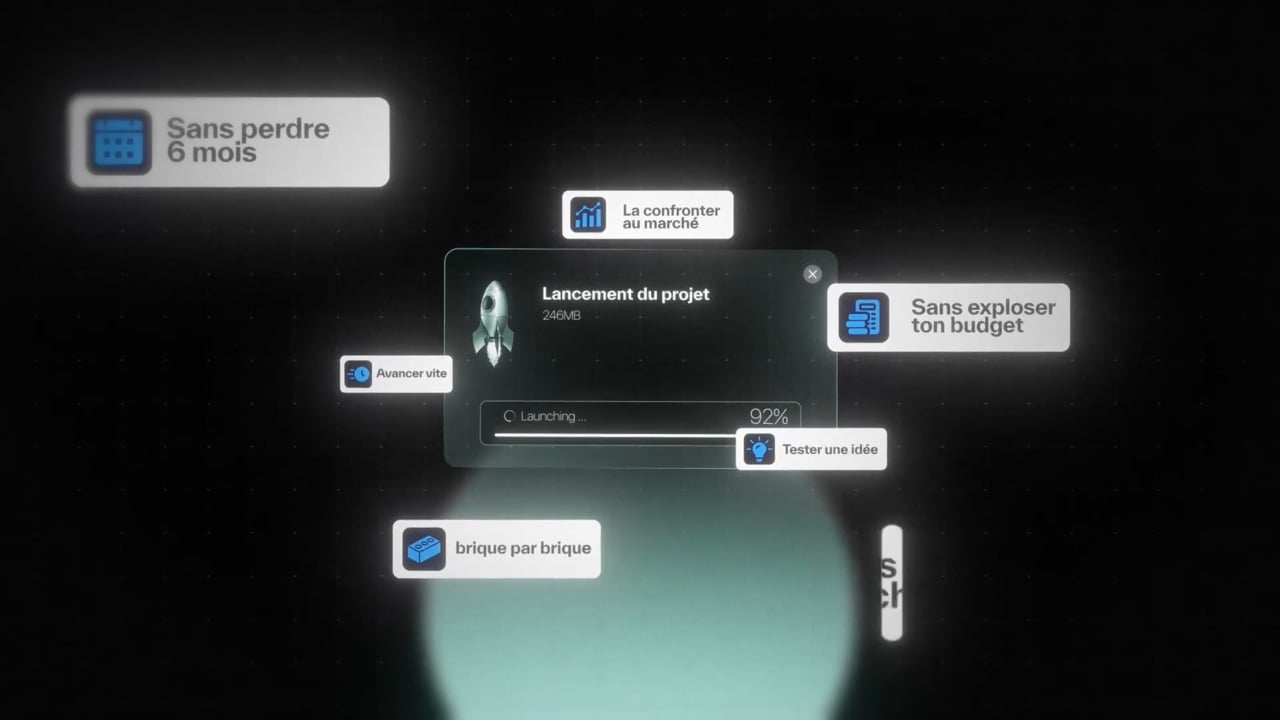
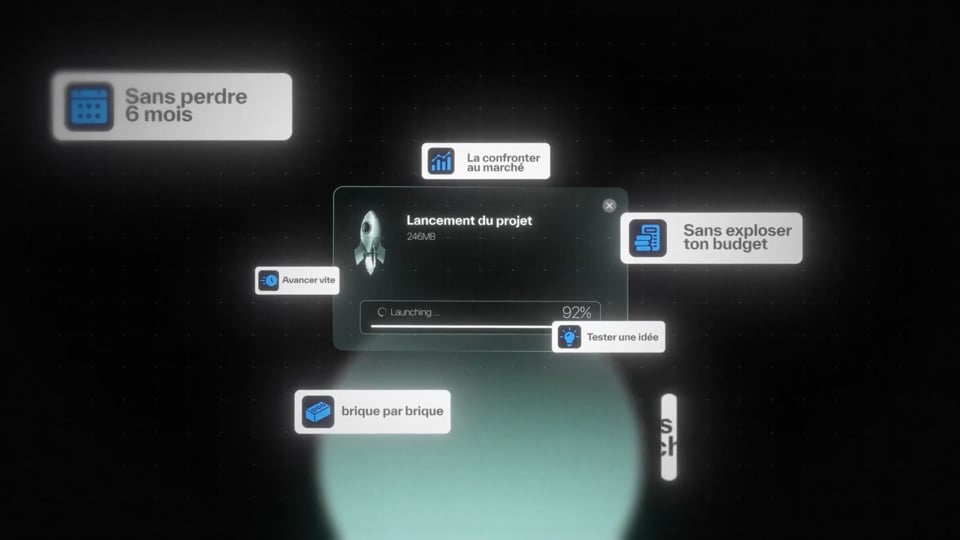
Predilis presents prevention journeys and interfaces in 2 min 05 s. Motion design visually organizes how the software is used.
0:00 needs · 0:30 interfaces
Our guide to the business video storyboard helps structure this preparation. Also check the distribution framings: a scene planned only for landscape can be hard to adapt to vertical without losing essential information.
Video brief template: Fill in the questions for the eight steps with your team.
5. Shoot with a setup suited to the subject
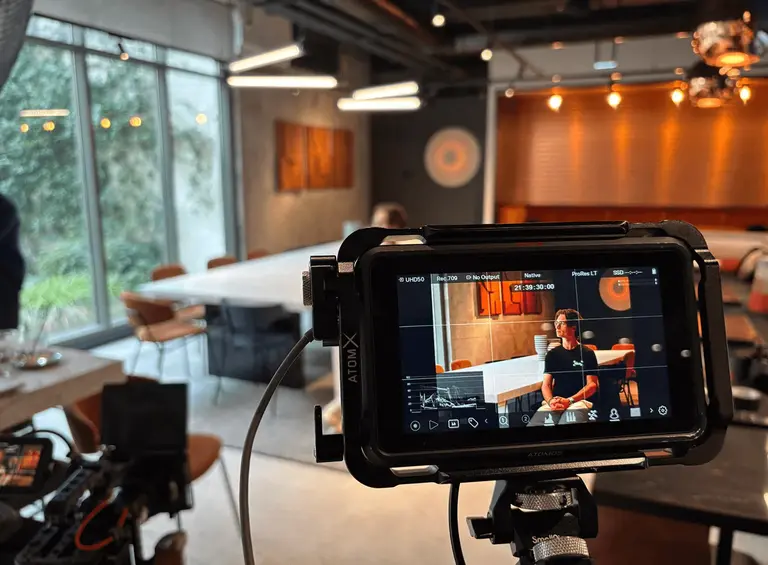
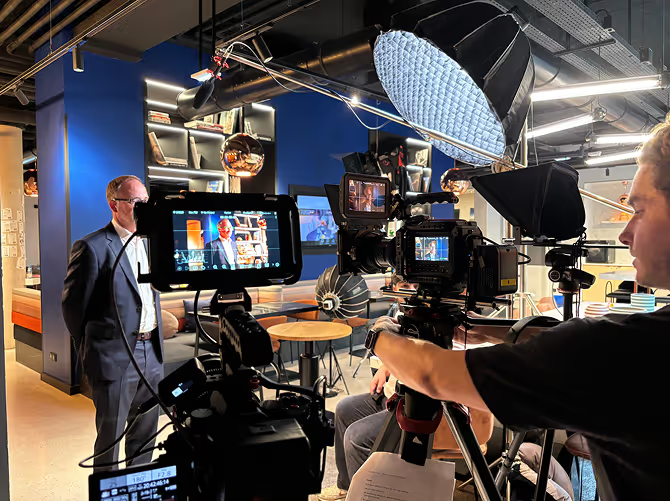
The minimum equipment depends on what you need to record. Someone simply speaking on camera requires a stable image, intelligible sound and controlled lighting. A phone may suit some internal content, but it does not eliminate problems of noise, framing or preparation.
Test the sound before you start. Listen to the recording, not just to the person in the room. Watch out for ventilation, reverberation and interruptions. A sound error can make a good answer hard to use. An extra camera does not solve this problem.
For the image, look at the background, reflections and sensitive elements. Put the person in a comfortable situation. Explain where to look, how to restart a sentence and whom to tell when they hesitate. A speaker who feels reassured can focus on the subject rather than on the setup.
Also record the actions that illustrate what is said. The edit will need material to show the work, situate the locations and connect the sequences. These images must be planned in the schedule, not collected in the minutes left over after all the interviews.
Biux example: a customer’s voice with A4 Concept
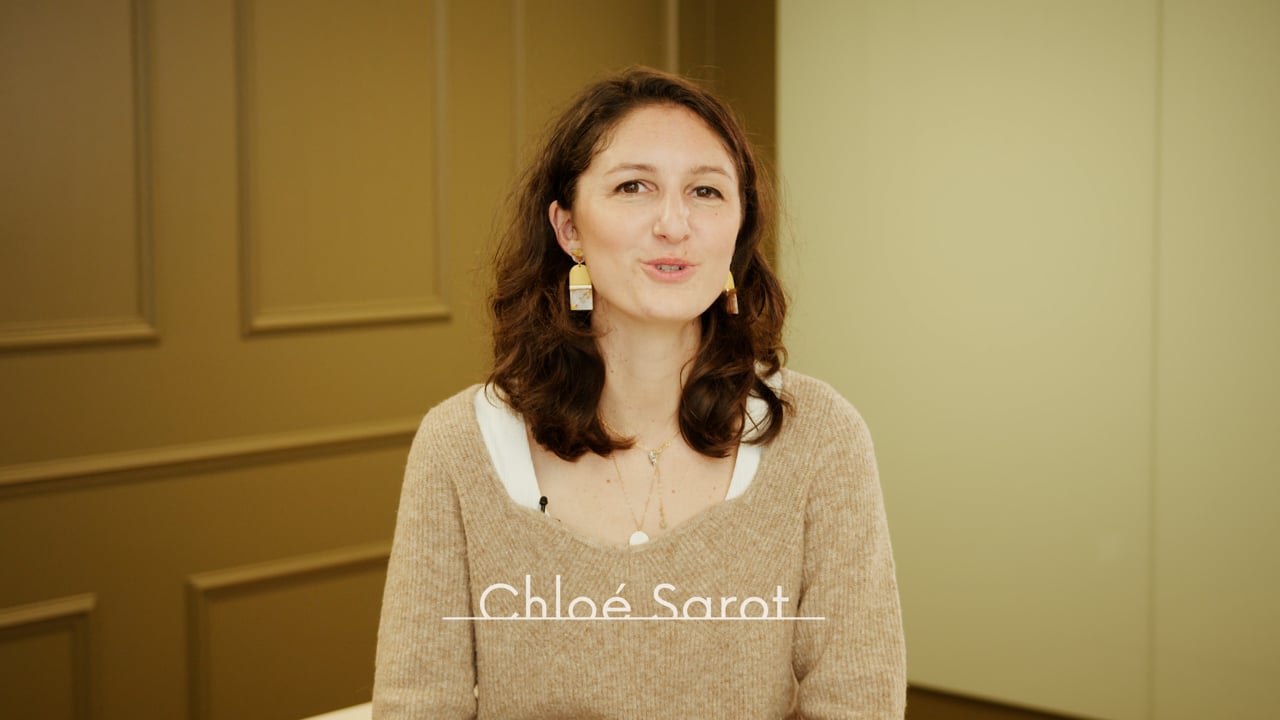
A4 Concept presents a renovation and the owners’ feedback in 2 min 58 s. The testimonial brings a concrete experience.
0:00 renovation · 0:20 choosing the contractor
Finally, secure the material. Organize the files, check the recordings and plan backup copies suited to the project. A shooting day does not end when the equipment is packed away: you need to know that the images and sound you need are actually available.
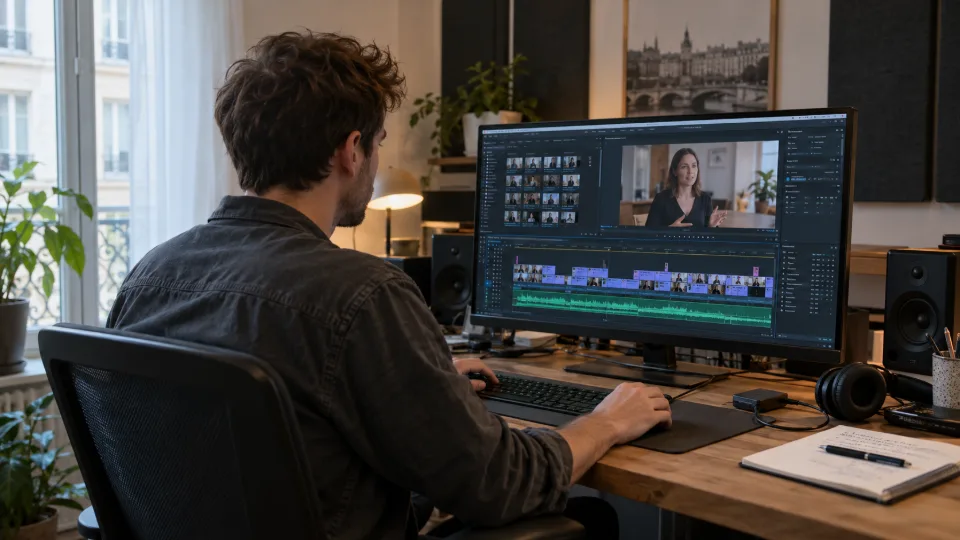
6. Edit to clarify, not just to speed things up
Start with the ideas. Select the answers that build the message, then organize their progression. Remove repetitions, but keep the conditions necessary for understanding. A cut can make a sentence flow better; it must not turn a reservation into a certainty.
Then work on the images, the pacing and the sound. A transition serves a purpose when it accompanies a change of subject. An effect added just to fill a passage can distract from the information. Likewise, music must not prevent the words from being heard or manufacture an emotion unrelated to the content.
Have a first version reviewed with clear instructions. Ask for factual errors, incomprehensible passages and unauthorized elements. Group the feedback in a single document, with timecodes. “It doesn’t work” does not tell anyone what needs to be corrected.
Also check how it reads without context. Can someone who did not take part in the brief explain the subject after watching? If they remember something other than the defined objective, go back to the structure. A more polished finish will not necessarily fix a poor order of information.
Biux example: recapping an event with AWS and Reply
AWS and Reply alternate feedback and event talks in 1 min 55 s. This aftermovie conveys the subject of the event.
0:00 partnership · 0:12 feedback
7. Prepare the adaptations and check the exports
A vertical version must be reviewed as a version in its own right. Check faces, gestures, subtitles and graphics. An automatically centered reframe can cut off the key speaker or remove the object of the demonstration.
If you are preparing excerpts, check that they stand on their own. A sentence that answers a missing question can become obscure. Add the necessary context, without artificially rebuilding the meaning. The thumbnail and the post text must announce the subject actually covered.
The W3C guidance on captions highlights the importance of an accurate rendering. Proofread names, acronyms and figures. Also check the synchronization and make sure there is no duplication with captions added by the platform.
For YouTube, follow its encoding recommendations. For other channels, check the destination’s requirements. Keep a clean master and avoid successive recompressions. Watch each export all the way through before considering it delivered.
Finally, name the files in an understandable way: subject, language, format and version. A clear organization prevents a colleague from publishing an old edit or a review file. Specify where the approved versions are stored and who can request an update.
8. Distribute, measure and decide what to produce next
Prepare distribution before delivery. Who publishes, who shares and who answers questions? A sales video can be used on the website, in an email or during a conversation. A recruitment video must be linked to information that is useful to the candidate.
The accompanying text must situate the subject and the next step. Do not assume the viewer knows your company. A consistent thumbnail, title and description make it easier to understand. Google’s recommendations on videos help you prepare a page that clearly describes the video and makes it accessible to search engines.
Choose the indicators according to the initial objective. Relevant inquiries, sign-ups or use by your teams can complement viewing metrics. A video that is watched less but genuinely used at one stage of the sales process can have a clear function. Avoid attributing any change in sales to a single piece of content without analysis.
To decide between in-house production and an agency, look at the skills available, how regular the need is and the consequences of a failure. In-house can suit simple, recurring content. A more exposed or more complex production may require outside support. Our guide on whether to bring video in-house or outsource it details these trade-offs.
Internal time is not free just because it does not appear on a production invoice. Account for preparation, shooting, editing and approvals. Compare equivalent scopes and discover the corporate film format if your goal is to present the company.
An example of a project sheet to fill in before you start
Write down who the audience is, the question to address and the action proposed after the video. Add the information this person already knows. This last point avoids two opposite mistakes: explaining something obvious at length or immediately using vocabulary they do not understand.
Then describe the proof available. Who can talk about the subject? What action can be shown? Which document makes it possible to verify a claim? If nothing supports the message, rework the project before booking a shoot. A video cannot create after the fact a proof that the company does not have.
List the concrete constraints: locations, schedules, noise, confidentiality, people to notify and approvals. Separate what is confirmed from what is still being considered. The production team can then distinguish the decisions to be made from the resources already available. An unflagged assumption can become a roadblock on the day of the shoot.
Specify the deliverables in plain words. “A video for social media” does not say whether you expect a full film, a short answer, several framings or a series. Indicate the destination and use of each version. The file size is then decided according to the actual technical constraints.
Finally, identify who is responsible for each approval. The person who checks the figures is not always the one who decides on the art direction. Organize this feedback without multiplying competing decision-makers. A final owner must be able to consolidate the comments and arbitrate when they contradict each other.
Common mistakes in first in-house productions
The first is filming before knowing what the edit needs to tell. You end up with a lot of material, but no complete answer. The second is neglecting sound because the image looks right. The third is planning the adaptations only after the landscape edit, when some reframes are no longer possible.
Another mistake is asking for a general approval without a specific question. The feedback then focuses on personal tastes rather than on the objective. Provide a review grid: accuracy, understanding, sensitive elements and consistency with the destination. Creative preferences can be discussed separately, at the right time.
Finally, do not consider going live as the end of the project. Check that the teams know where to find the film and how to use it. Gather their feedback after the first uses. It may reveal a question to address in the next piece of content or an adaptation that is genuinely needed.
A professional video starts with clear decisions before the camera rolls. See our B2B video pricing to define a format, a scope and deliverables suited to your needs.
Explore related guides
To entrust these stages to a production team, explore our service.