The video storyboard is the document that your agency submits to you before any shooting: a series of annotated thumbnails that translates your script into concrete plans. This article explains how to read a storyboard, what to check first, how to formulate constructive feedback and what traps to avoid so as not to block production.
Your video agency has just sent you a multi-page PDF containing sketches, arrows and notes. This is your storyboard. What happens next?
Many communications and marketing directors receive this document without knowing exactly what to do with it. Approving it too quickly risks discovering during editing that the tone is wrong. Repeated, vague feedback can hold up the production team for days.
This article will not teach you to draw a storyboard: that is your agency’s job. Instead, it gives you the tools to read it carefully, approve the right details and provide feedback that moves production forward rather than slowing it down.
What a storyboard really is (in three lines)
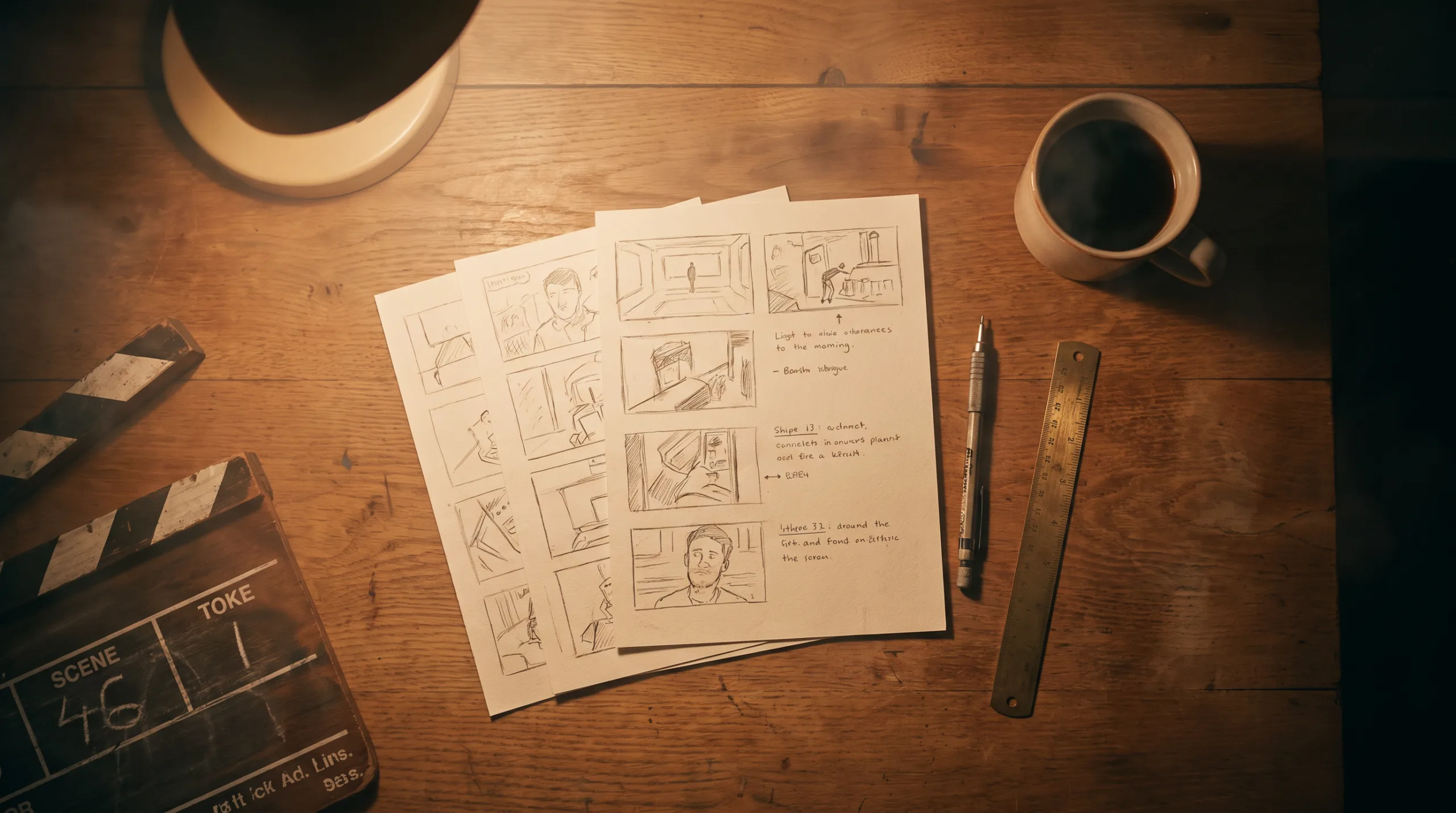
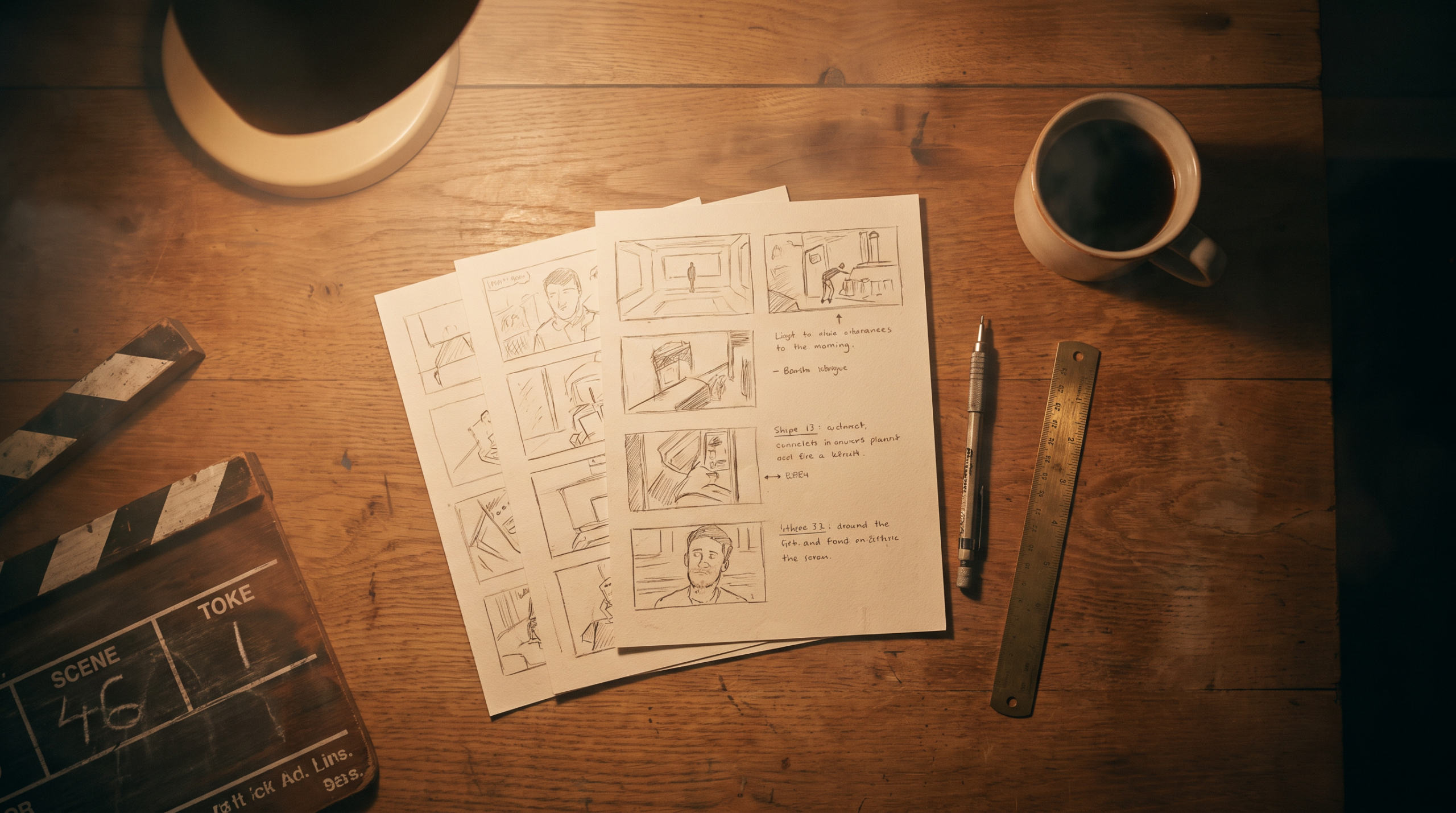
A storyboard is a series of thumbnails that visually translates your script into concrete plans. Each thumbnail corresponds to a filmed sequence and is accompanied by annotations: framing, camera movement, estimated duration, voice-over or dialogue. It is a pre-production document shared between the agency and the client before any filming or animation. Once validated, it becomes the common reference of the entire team on the stage.
Why your agency sends you a storyboard before you shoot
The short answer: because correcting a narrative error on paper costs infinitely less than correcting it after filming. Imagine a startup that orders a corporate film and realizes, once the rushes are delivered, that the tone is too institutional compared to the initial brief. Without an upstream validated storyboard, the agency and the customer find themselves negotiating costly reruns, with longer delays and derailed budgets. The storyboard performs three specific functions for you, as a customer:
- It anticipates narrative inconsistencies before the team is on the field. It is at this point that it is still easy (and free) to modify a plan or reposition a sequence.
- It freezes the scope of what has been ordered. What is validated in the storyboard can no longer be questioned once the filming is launched, except to incur additional costs.
- It protects both parties. As the principle in force in production agencies sums up well: the validated storyboard is the best contract between a client and his video agency. If there is a disagreement after delivery, the signed document shall prevail.
For a ad spot or digital campaign, the storyboard is even more structuring: every second is planned, the timing is constrained, and the slightest impostor plan can explode the duration.
5 things to check when you receive a storyboard
This is the most important part of this article. Here are five things to look at systematically, in order, when a storyboard lands in your inbox.
1. Narrative logic: can history be understood without sound?
Browse the thumbnails ignoring the annotations. Look only at the drawings, in order. If the main message of your video is not understood visually, it is a narration problem to go back to the agency before going further. A good corporate video should work even if the sound is turned off.
2. Titles and texts on screen
Read carefully each text on the screen: company name, baseline, claim, final CTA. Check spelling, wording and compliance with your editorial charter. It is here that we identify brand errors, inaccurate formulations or missing texts. Once in filming or animation, these corrections become extra cost items.
3. voice-over and annotated dialogues
Read the voice-over annotations out loud. You will immediately feel if the rhythm is natural or if some sentences are too long for the estimated duration of the plan. Also check that the key message of your brief is present. Early storyboard versions often devote too much time to the introduction and come to the heart of the subject only a third of the film.
4. Missing or superfluous plans
Review each point of the original brief and ask yourself if there is a plan planned to illustrate it: your product, your teams, your premises, a customer testimonial, your key figures. If there is an essential sequence missing, this is the time to report it. Conversely, identify shots with high aesthetic value but low narrative value: they lengthen the video without reinforcing the message.
5. The estimated total duration
Add the annotated durations on each thumbnail. Compare the total to the duration in your brief: 30 seconds for a spot, 1 minute 30 for a spot corporate film presentation, 3 minutes for a full institutional film. A significant deviation from the brief, at this point, costs some email exchanges. After filming, it costs extra hours of editing.
Le motion design Predilis directed by Biux presents a health software in visual steps. It allows you to look at the result of a cutting: order information, text on the screen and transitions respond to explain a service.
How to Make Constructive Feedback on a Storyboard
There is an almost universal error among customers who receive a storyboard for the first time: commenting on the graphic style of the thumbnails. The storyboard is not a final illustration. It’s a functional scheme. The drawings can be coarse, approximate, almost childish: what counts is the narrative structure and the technical annotations. The golden rule for effective returns: Comment on the background, not the form.
Formulate each return with three elements: the reference of the box, the description of the problem and a suggestion. Here is the difference between a useful return and a blocking return.
Unnecessary return: "Case 7, it’s not okay."
Actionable return: "Case 7: voice-over announces ’15 years of experience’ but no visual supports this claim. I suggest adding an archive plan or an encrypted infographic." The second return allows the agency to act immediately. The first one generates an exchange of clarification, then a new validation round, and rejects the shooting all the more. Last practical point: meet the validation deadline. For a standard corporate film storyboard (15-30 thumbnails), count 24 to 48 hours of serious editing. Beyond that, you may block the team’s schedule. If more than one person has to validate internally, designate a single contact person on the customer side before sending the returns to the agency. If you want to anticipate the costs associated with these revision rounds, the article The True Cost of a Corporate Video details what each pre-production step represents in a video production quote.
La Reemo video produced by Biux staged software on motion design. To reread a storyboard of this type, link each function presented to its visual and intended text, rather than judge only the quality of the preparatory drawings.
Common Customer Mistakes That Retard Production
They are predictable, recurrent, and often involuntary. The purpose of reporting them here is not to point out misconduct, but to help each DirCom or marketing manager to be a better interlocutor for his agency.
Focus on the aesthetics of the drawings. A storyboard is not an illustration board. Validating or rejecting vignettes on the basis of graphic style is like judging a house on the architect’s plans rather than the layout plan.
Validate without reading. Signing by reflex, then complaining after filming that "the film does not correspond to the brief", is the scenario that generates the most tension between agency and client. The storyboard is here precisely to avoid that.
Add off-brief requests to the storyboard step. This is one of the main factors of scheduling slippage. If new messages or sequences emerge at this stage, treat them as an endorsement to the brief rather than as "small changes".
Question the narrative structure after final validation. Once the storyboard is signed, the team orders the material, confirms the technical teams and plans the days of shooting. Returning to the structure at this stage incurs real costs.
Multiply the interlocutors without a clear decision. Three people sending contradictory returns to the agency, it’s often a lost week. A single point of contact on the customer side is a production that is moving forward. For projects of storyboard motion design, this rule is even more critical: each structural change after storyboard approval involves taking back the animations from their design phase.
Le Klyra motion design signed Biux gives an example of an animated graphic universe. The final film helps to distinguish two complementary validations: the organization of sequences in the storyboard and the visual rendering defined by the artistic direction.
What the storyboard does not replace
The storyboard is a powerful pre-production tool, but it does not cover the entire scope of your video project. It does not replace the Final Script : the exact dialogues and the final voice-over are in the production technical file, a separate document. It does not validate the final colors, the choice of actors or collaborators filmed, nor the music. These elements are subject to other validation stages (art direction, casting, soundtrack selection). It also does not replace the Moodboard. The moodboard is shared upstream to align aesthetic expectations (ambiences, styles, visual references). The storyboard comes after, once these choices are stopped. For a Corporate Presentation Film, the Biux team prepares the storyboard according to the cut-out provided for in the estimate. The level of detail of the document depends on the sequence to be prepared and the format chosen.
If you are considering any generated plans, our decision guide for a corporate AI video helps to choose what should be turned, animated or generated from the cutting.
You’re preparing the storyboard for a corporate video? Describe your project in two minutesBiux returns to you with precise cost estimate.
FAQ
How to create a storyboard for a corporate video?
As a rule, it is your video agency that takes care of it: it starts from the validated script, cuts the story into scenes, illustrates each shot with annotations of framing, camera movement, duration and voice-over, and then submits the document for validation before shooting. If you want to participate, you can suggest visual references and validate the narrative structure at each step. To further develop production standards, StudioBinder details the technical cutting conventions used by professional teams.
What is the average price for a professional storyboarder?
There is no single tariff applicable to all storyboards. At Biux, this work is encrypted in the production scope. The estimate specifies the design steps and the validations planned; a storyboard alone does not correspond to a live video delivered.
How long does it take to validate a storyboard?
Allow 24 to 48 hours for a serious re-reading of a standard corporate film storyboard (15 to 30 thumbnails). Beyond that, you risk blocking the crew’s filming schedule. If more than one contact must validate, designate a single point of contact on the customer side to centralize returns before sending.
What is the difference between a storyboard and a moodboard?
The moodboard is a table of visual inspirations (colors, styles, atmospheres) shared at the beginning of the project to align aesthetic expectations. The storyboard comes after: it translates the script into a sequence of concrete plans, with technical annotations. The two are complementary but do not perform the same function. Some agencies provide both documents before filming.
Is storyboard included in the price of a Biux video?
The production estimate specifies the design and documentation included. Check the cutout, text, visual references and validation steps expected; a storyboard alone does not constitute a delivered video.
Can we change a scene after we validate the storyboard?
Yes, but the team must first measure the consequences on the plans, the animation and the calendar. Forward the scene number, the requested modification and its reason. A text correction and adding a sequence do not mobilize the same resources. Specify the modified scope before starting manufacturing.
Your agency has given you a storyboard and you have questions about the next step? Contact the Biux team to discuss it.