

To run a successful corporate video interview, first set the goal and the channel, write about ten questions suited to the interviewee’s profile, prepare them with a one-page brief, then take care of the sound, the eyeline and the cutaways. Plan 60 to 90 seconds for LinkedIn and 2 to 4 minutes for YouTube.
A video interview is won before the shoot: a clear goal, questions written for the right person, an interviewee who knows what to expect. This guide gives you 40 questions sorted by profile and by stage of the interview, the shoot-day checklist and the edited length to aim for on each channel. A one-page brief, to hand to the person being filmed, completes the method.
Interview, testimonial, portrait: what are we talking about?
A video interview has someone from your company (an executive, an expert or an employee) speak to an interviewer whose questions are usually cut in the edit. A customer testimonial gives the floor to someone from outside the company and is prepared differently: we covered it in detail in our guide to interviewing a customer. A portrait, for its part, adds footage of the job and the team to the spoken word.
The formats Biux produces are presented on the corporate video interview and employee portrait pages. This article focuses on what you can prepare yourself, from choosing the format to the edit.
Choosing the format: goal, length, channel, cameras
Start from the use, not the format. The same interview can feed several channels, provided you decide so before the shoot: a vertical version is prepared at the framing stage, a series is prepared as soon as the questions are written. The table sums up what Biux recommends for each use.
| Format | Goal | Edited length | Main channel | Cameras |
|---|---|---|---|---|
| Executive address | Carry an announcement, a vision or a position | 2 to 4 min, plus a 60 to 90 s excerpt | Website, YouTube, the executive’s LinkedIn | 2: a medium close-up and a close-up |
| Expert interview | Demonstrate expertise on a specific topic | 2 to 4 min for the full version | YouTube, the relevant page of your website | 2: a medium close-up and a close-up |
| “One question, one video” series | Answer the questions your customers are asking | 60 to 90 s per episode | LinkedIn, newsletter | 1 or 2, same framing for every episode |
| Employee portrait | Show a job and the team that does it | 60 to 90 s | LinkedIn, careers site | 1 for the interview, 1 handheld for footage of the job |
| Job offer video | Get the right profiles to apply | 60 to 90 s | Job posting, LinkedIn, careers site | 1 or 2 |
| Vertical clips | Relay a strong line | Under 60 s | Stories, Reels, ads | Taken from the same takes, if the face stays well away from the edge of the frame |
Two remarks. Length depends on the channel more than on the profile: an executive address also works in 60 to 90 seconds on LinkedIn. And the 2 to 4 minute version is not a “default” choice: it is justified when viewers have come looking for the information, on your website or on YouTube.
40 questions for a video interview, by profile and by stage
These questions are for shooting a video, not for hiring: they are not job interview questions. They are numbered from 1 to 40, sorted by profile, then by stage of the interview:
- Opening: easy questions, which settle the voice and provide the introduction line.
- Core: the message you came for.
- Follow-up: to move from the general idea to the example.
- Close: the closing line, and anything that might have been forgotten.
Do not ask a profile’s ten questions one after the other, like a questionnaire. Pick 8 to 10, borrow some from another profile if needed, and keep the order of the stages: never start with the most important question. Three writing rules: one idea per question, an open form (“how”, “what makes”, “tell us”), and the words the interviewee uses themselves.
Questions 1 to 10: the executive
| # | Stage | Question | What it brings to the edit |
|---|---|---|---|
| 1 | Opening | How do you introduce your company to someone you are meeting for the first time? | An introduction in their own words, livelier than a corporate text |
| 2 | Opening | What led you to run this company? | A personal way in, which helps them relax |
| 3 | Core | Which recent decision best shows the way you lead? | A fact rather than a statement of values |
| 4 | Core | What is going to change for your customers in the next twelve months? | The announcement or vision message |
| 5 | Core | What do you refuse to do, even if others do it? | Positioning, by contrast |
| 6 | Core | What is the biggest challenge in your industry today, and how are you responding to it? | A stance, easy to extract for LinkedIn |
| 7 | Follow-up | Do you have a specific example, with a customer or a team? | The move from vision to proof |
| 8 | Follow-up | If you had to say it in one sentence? | The hook of the short version |
| 9 | Close | What should the person watching this video remember? | The closing line |
| 10 | Close | Is there a question I haven’t asked that you would have liked to hear? | Often the freest answer of the interview |
With an executive, time is short: get to the core quickly and keep follow-ups 7 and 8, which produce the reusable lines. For their regular presence on social media, see also our article on executive personal branding.
Questions 11 to 20: the expert
| # | Stage | Question | What it brings to the edit |
|---|---|---|---|
| 11 | Opening | How do you explain your job to someone who knows nothing about it? | A simple definition, without jargon |
| 12 | Opening | How did you come to this subject? | Legitimacy, without a list of degrees |
| 13 | Core | What mistake do you see most often among your customers on this subject? | The problem that hooks the viewer |
| 14 | Core | What misconception about your field would you like to correct? | An angle that shares well |
| 15 | Core | How do you go about it, step by step, on a typical project? | The method, to be edited as a sequence |
| 16 | Core | What is going to change in your field in the next two years? | The expert’s outlook, useful for a series |
| 17 | Follow-up | You said “[technical term]”: how would you explain it to a customer? | Jargon, translated |
| 18 | Follow-up | Do you have a case where it didn’t work? What did you learn from it? | Credibility through honesty |
| 19 | Close | What advice would you give to someone who is new to this subject? | Advice that stands on its own, as a clip |
| 20 | Close | What question should your customers ask you more often? | The topic of the next episode |
An expert knows their subject too well: they skip steps and use acronyms. Have them speak to an imaginary customer and follow up with question 17 at every technical word. An expert interview splits well into a series, one question per episode.
Questions 21 to 30: the employee
| # | Stage | Question | What it brings to the edit |
|---|---|---|---|
| 21 | Opening | What did your day look like yesterday, from the moment you arrived? | Concrete detail from the very first answer |
| 22 | Opening | Tell us about your first day here. | A memory, easy to tell |
| 23 | Core | Which project has made you proud since you joined? | A story, with a beginning and an end |
| 24 | Core | What have you learned here that you didn’t know how to do when you arrived? | Growth, an employer branding argument |
| 25 | Core | Who do you work with day to day, and how? | The team and the atmosphere, without slogans |
| 26 | Core | What surprised you when you arrived? | The gap between image and reality |
| 27 | Follow-up | Can you tell me about that moment as if we were there? | A scene rather than a summary |
| 28 | Follow-up | What was difficult at that point? | The nuance that makes the rest credible |
| 29 | Close | What makes you want to stay? | A reason to stay, more telling than a reason to come |
| 30 | Close | What would you say to someone joining your team on Monday? | A welcome line, reusable for onboarding |
An employee filmed for the first time needs time. Start with something concrete (question 21), sit at their eye level and avoid having their manager attend the interview. These interviews are often part of an employer branding strategy: plan a consistent series from the start rather than a one-off portrait.
Questions 31 to 40: the recruitment video
Here, the interviewee is the hiring manager, or a future colleague. They talk about the position and the team to a candidate who doesn’t know them yet.
| # | Stage | Question | What it brings to the edit |
|---|---|---|---|
| 31 | Opening | What position are you opening, and why now? | The context of the job offer in one answer |
| 32 | Opening | Introduce us to the team the person will be joining. | The team before the job description |
| 33 | Core | What will the new hire’s first week look like? | The concrete detail a written job ad doesn’t give |
| 34 | Core | What will they be working on six months from now? | A glimpse of the future in the role |
| 35 | Core | What makes someone succeed in this position? | The profile, described through behaviors |
| 36 | Core | What could disappoint someone in this position? | Candor, which screens out profiles that aren’t a fit |
| 37 | Follow-up | Can you think of someone on the team who succeeded that way? Tell us about them. | Proof through a real career path |
| 38 | Follow-up | What do you say in interviews that you never write in the job ad? | A true sentence, free of HR language |
| 39 | Close | How does the hiring process work, from the first conversation to the answer? | Reassuring the candidate about what comes next |
| 40 | Close | What would you say to someone who is hesitating to apply? | The call to action, delivered by the manager |
Question 36 often worries HR teams. Yet it is what makes the rest of the message credible. To distribute these videos, see our guide to recruitment videos.
Preparing the interviewee
The quality of the answers depends less on the list of questions than on the state of mind the interviewee is in when they arrive at the shoot. Three things to do, in order.
A 20-minute call, one week before
Call the person who will be filmed, without a camera. Explain what the video will be used for, who will watch it and how long it will be. Listen to how they talk about their work: note their words, their examples, the stories they tell without being asked. These will be your follow-ups on the day. Finish with the logistics: date, place, time, outfit.
Send the themes, not the script
After the call, send a one-page brief: the goal, the running order, the outfit, what the person will sign, and the 5 simple questions you will definitely ask (introduction, role, an example, the message, the final word). Keep the core questions and the follow-ups to yourself. An interviewee who has read the whole list prepares sentences and recites them; one who knows the themes prepares examples, and that is what you want to film.
If the message has to be delivered word for word, for example an announcement in which every term has been approved, it is no longer an interview: it is a piece to camera, written like a corporate video script.
What the interviewee should wear
- Solid colors. Fine stripes and small checks “vibrate” on screen: this is the moiré effect.
- No logo from another brand, and no printed messages.
- A top with a collar or buttons to clip the lavalier mic to, and a belt or pocket for the transmitter.
- No jingling jewelry: the mic hears it before you do.
- A change of clothes, in case of a stain or a color that blends into the background.
- Their usual work outfit, a little smarter: the interviewee should recognize themselves on screen.
Download the interviewee preparation sheet: one page to send them before the shoot, with what they need to know, how to prepare, what to wear, the running order, the 5 questions they will definitely be asked and what they sign.
On the day: checklist, eyeline, sound and cutaways
The shoot-day checklist
| When | What to do | Who |
|---|---|---|
| The day before | Confirm the time, the address, access to the venue and the interviewee’s name; charge the batteries, clear the memory cards | Production |
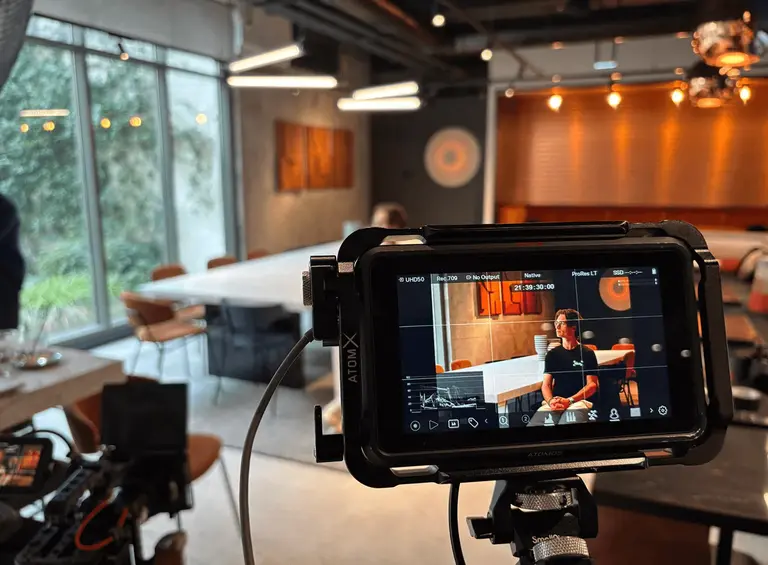
| About 1 hour before the interviewee | Choose the room, turn off the air conditioning and other sources of noise, set up the lights, cameras and mics | Film crew |
| Interviewee’s arrival | Welcome them away from the set, fit the mic, run a sound and picture test, check the outfit and any shine on the face | Director, sound engineer |
| Before the first take | Have the image rights release signed; all phones in airplane mode | Communications or HR |
| During the interview | Follow the order: opening, core, follow-ups, close; note the timecodes of the best answers | Interviewer, assistant |
| After the interview | Shoot the cutaways; record 30 seconds of room tone | Film crew |
| Before leaving | Copy the files onto two drives; tell the interviewee what happens next (editing, approval, release) | Production |
Eyes to camera or off camera: 3 setups
Decide before the shoot where the interviewee will look. This choice changes the relationship with the viewer, and it cannot be fixed in the edit.
| Setup | Where the interviewee looks | Where the interviewer is positioned | Effect on screen | For whom |
|---|---|---|---|---|
| 1. Off-camera eyeline | At the interviewer, just beside the lens | Seated next to the camera, at the interviewee’s eye level | A conversation the viewer observes | Employees, experts, first-timers in front of a camera |
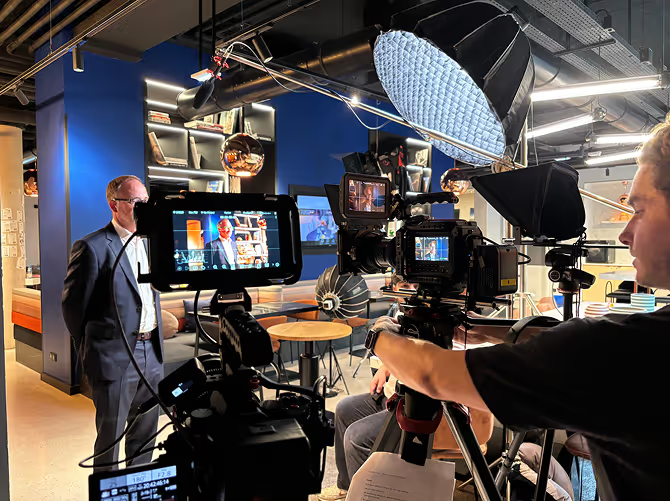
| 2. Eyes to camera with a teleprompter | At the lens, behind a glass pane displaying the interviewer’s face | Out of frame, filmed by a small camera connected to the teleprompter | The interviewee addresses the viewer, without reciting | Executives, announcements, recruitment videos |
| 3. Mixed | At the interviewer during the interview, then at the lens for two or three sentences | Next to the camera | The conversation, plus a hook and a conclusion addressed to the viewer | LinkedIn versions, series |
Whatever the setup, keep the interviewer on the same side of the camera throughout the interview: otherwise, the eyeline changes direction from one answer to the next and the shots no longer cut together in the edit. Without a teleprompter, don’t ask a non-actor to stare at the lens for the whole interview: keep eyes-to-camera for a few short sentences.
Sound and light: the settings you can’t fix later
Choosing the location, testing with headphones and positioning the mic are covered in detail in our article on shooting a customer testimonial: those rules also apply to an interview. Add four habits.
- Record the sound twice. A lavalier mic and a mic placed above the frame record at the same time. If one rubs or distorts, the other saves the answer.
- Record the room tone. 30 seconds, with the whole crew standing still: the editor uses it to smooth the cuts between two answers.
- Phones in airplane mode, not just on silent. A vibration in a pocket can be heard on the lavalier mic.
- A single color of light on the face. A window on one side and fluorescent lights on the other produce two tints that are hard to correct: switch off one of the two sources or cover the window.
The cutaways to shoot
Cutaways hide the cuts in the edit and show what the interviewee is describing. During the interview, note the objects, places and gestures they mention, then shoot them right afterwards, while they are relaxed:
- the interviewee at work, not looking at the camera: at their desk, in a meeting, with a colleague;
- their hands: keyboard, tool, notebook, product;
- the premises: the entrance, the workspaces, whatever makes the company recognizable;
- the objects or documents mentioned during the interview;
- an arrival or a walk, useful to open the video;
- the team, with the consent of each person filmed.
Getting the image rights release signed
Before the first take, have each person filmed sign a written release specifying where and for how long the video will be published. Have employees sign it too, and prepare it before the shoot rather than on the day. Our article on the image rights release for employees explains why and details what it must contain.
Conducting the interview: four interviewer habits
Follow-up techniques (silence, “what do you mean?”, rephrasing) are described in our customer testimonial guide. For an interview, add four habits that mainly serve the edit.
Keep your “yes” and “okay” to yourself
While they answer, nod rather than speak. Every “mm-hmm” ends up under the interviewee’s sentence and prevents a clean cut.
Look at the interviewee, not at your notes
Keep your questions on a single sheet and read it between answers. With an off-camera eyeline, the interviewee is looking at you: if they see you searching through your notes, their gaze wanders on screen.
Ask for the short version
After a good long answer, ask: “Could you say that again in two sentences?” The second version, crisper, can become the hook of the LinkedIn video. That is the role of question 8.
Note the timecodes of the best answers
An assistant, or you yourself, notes the timecode of each strong answer. In the edit, you find the good lines without listening to the whole interview again.
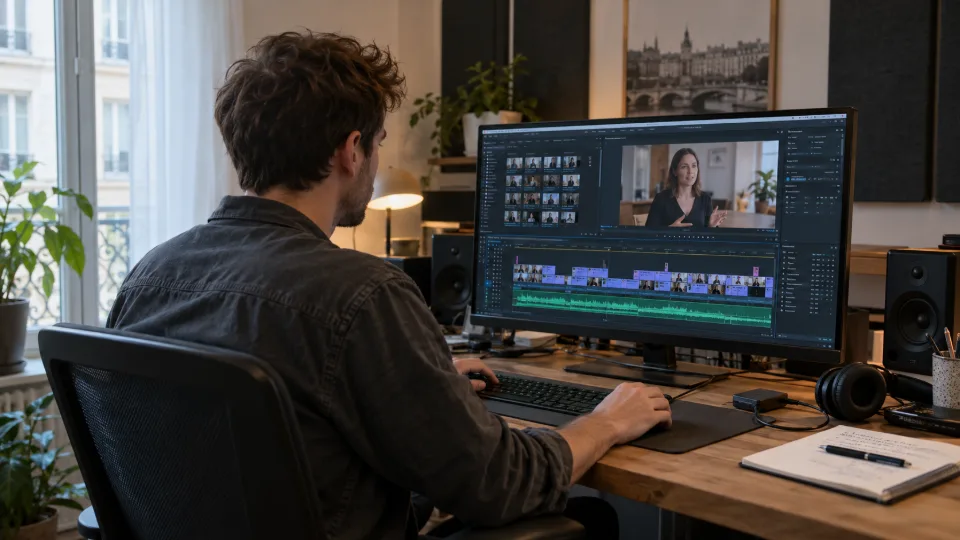
Editing for the channel: what length for which version?
A well-prepared shoot yields several versions. Decide on them before the shoot: each has its own length, framing and hook.
| Version | Length | Channel | What it keeps |
|---|---|---|---|
| Long version | 2 to 4 min | YouTube, your website | The opening, 3 or 4 core answers, the close |
| LinkedIn version | 60 to 90 s | A single idea, the hook in the first few seconds, subtitles | |
| Series episodes | 60 to 90 s each | LinkedIn, newsletter | One question and its answer per episode |
| Vertical clips | Under 60 s | Stories, Reels, ads | One strong line per clip, reframed vertically |
Three editing rules specific to interviews:
- Open on the strongest line, not on the introduction: the name and job title appear on screen while the interviewee is speaking.
- Replace the cut questions with titles when an answer doesn’t make sense on its own, especially in the long version.
- Subtitle every version, not just the ones for social media.
To choose the length based on the goal rather than the channel, see our article on the ideal length of a corporate video.
3 interviews shot by Biux
These three films put the interview to work for three uses: presenting a company, giving a customer the floor, telling the story of an event. Watch them with the length table in mind.
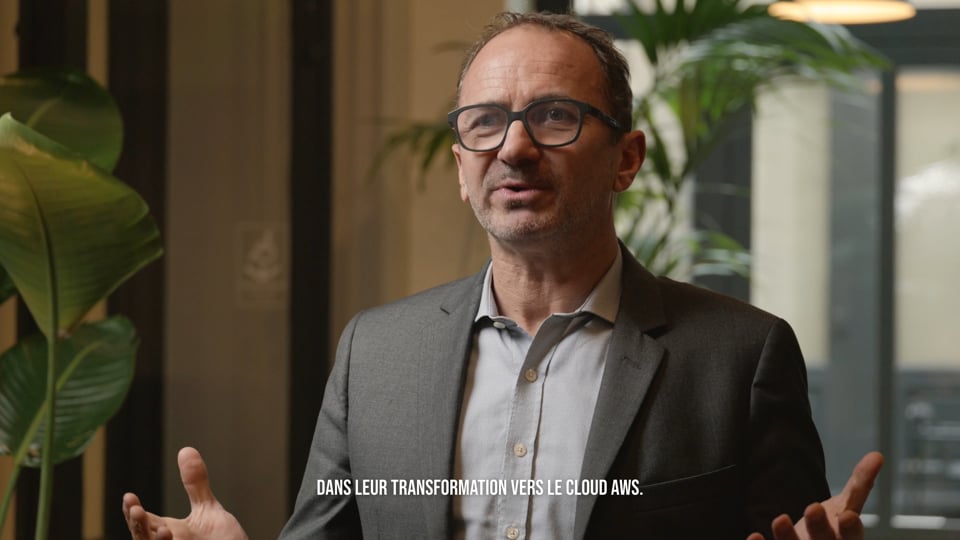
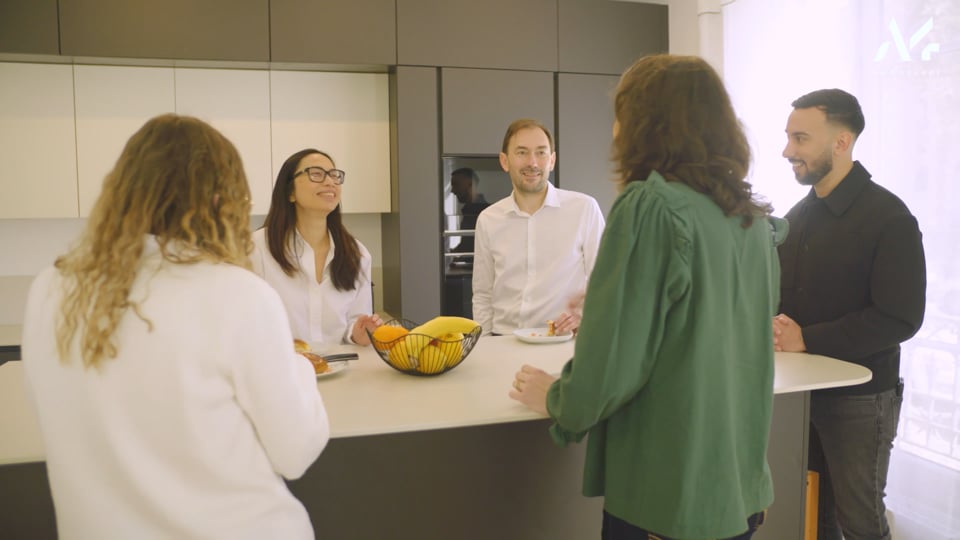
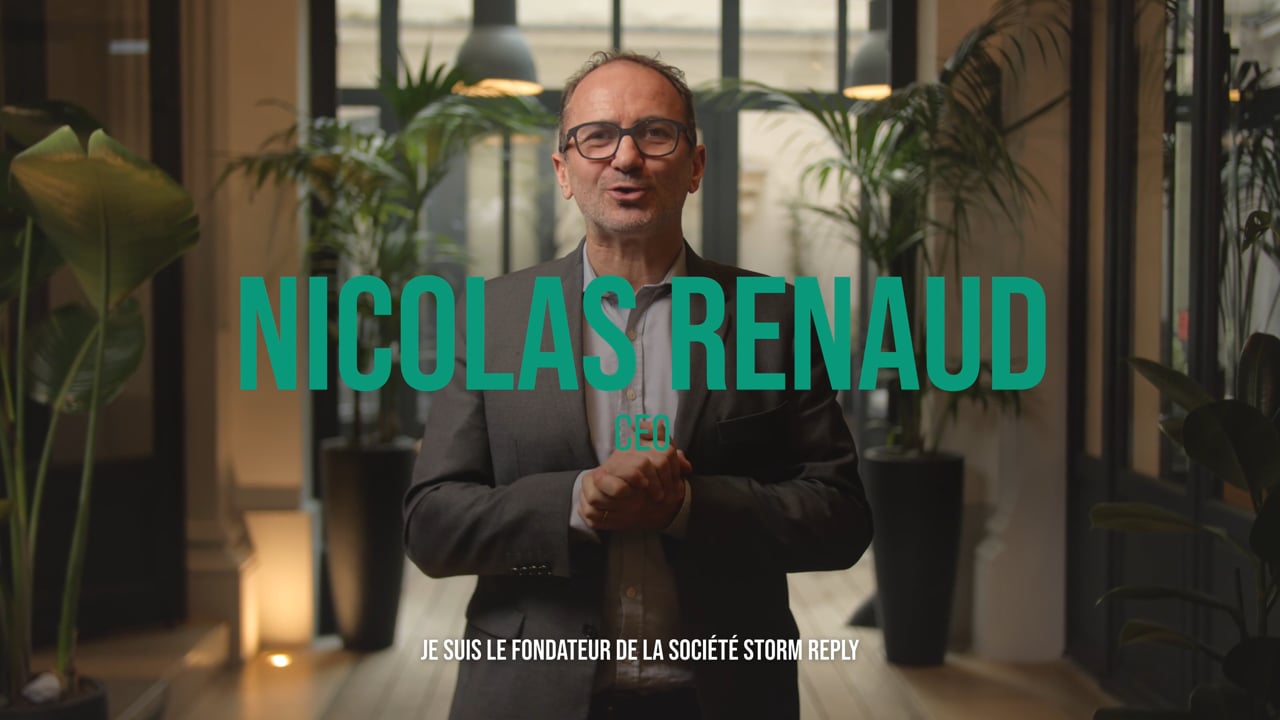
In “Storm Reply – Présentation”, Nicolas Renaud, Managing Director France at Storm Reply, presents his company: a 2 min 02 company presentation film, built on his own words. The project is detailed on the Storm Reply project page.
Watch it for the length: at 2 min 02, this film falls within the 2 to 4 minute range we recommend for a website or YouTube.
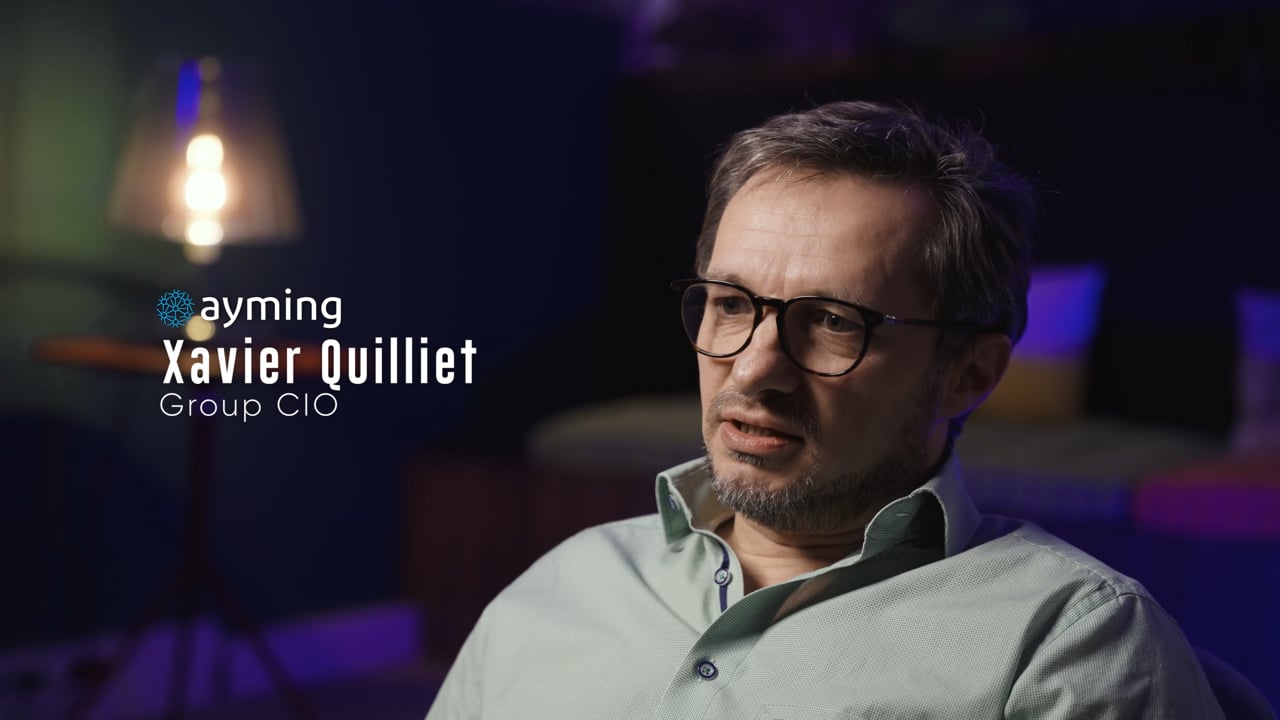
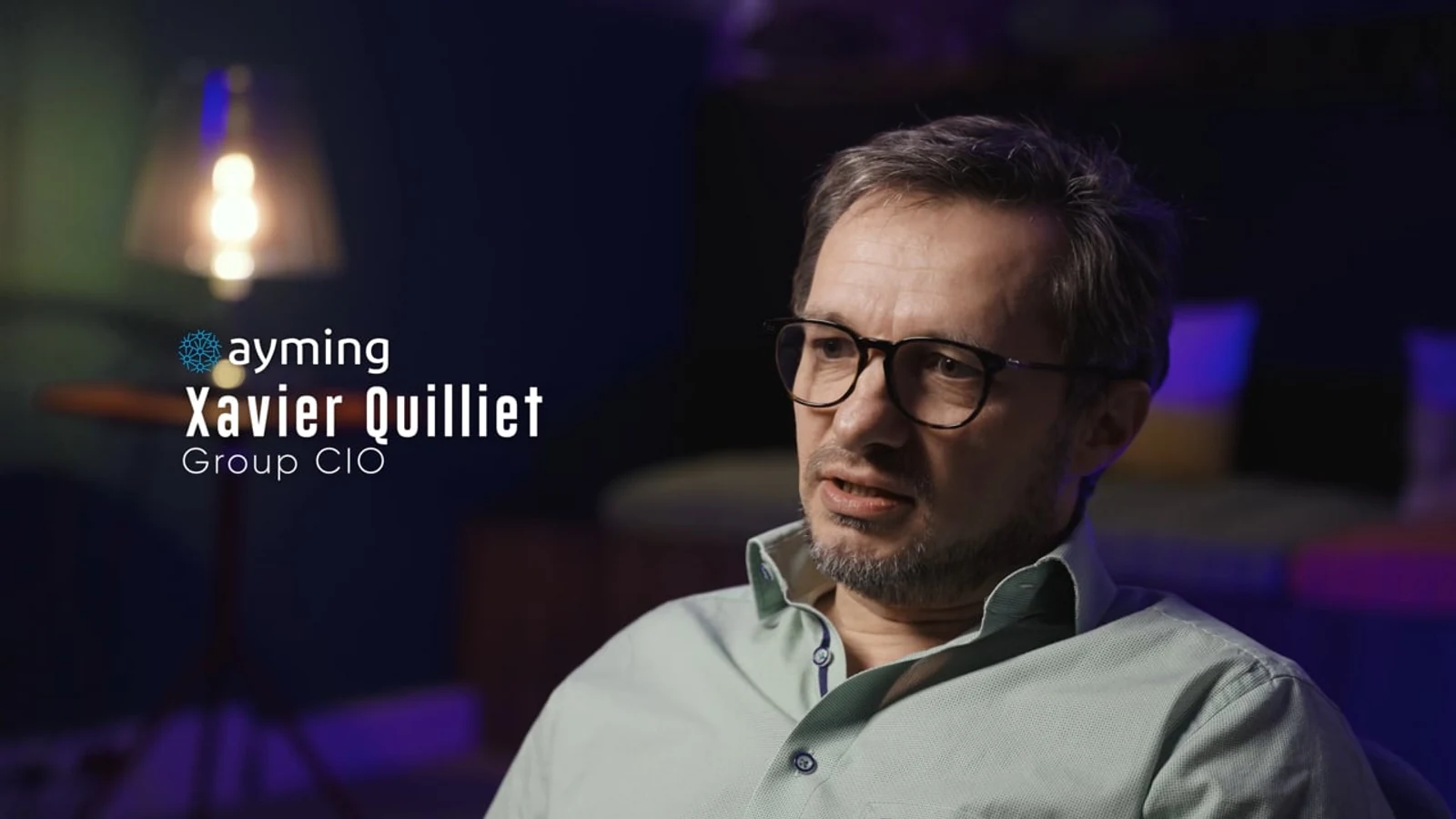
In “Reply x Ayming – Témoignage client”, Xavier Quilliet, Group CIO of Ayming, talks about the collaboration with Reply. He answers with his eyes on the interviewer, who sits off camera: this is the first setup in the table. The film runs 3 min 07; the project is detailed on the Reply x Ayming project page.
Watch it for the long version: at 3 min 07, this is a format for the website. A 60 to 90 second LinkedIn version would keep only one idea from it.
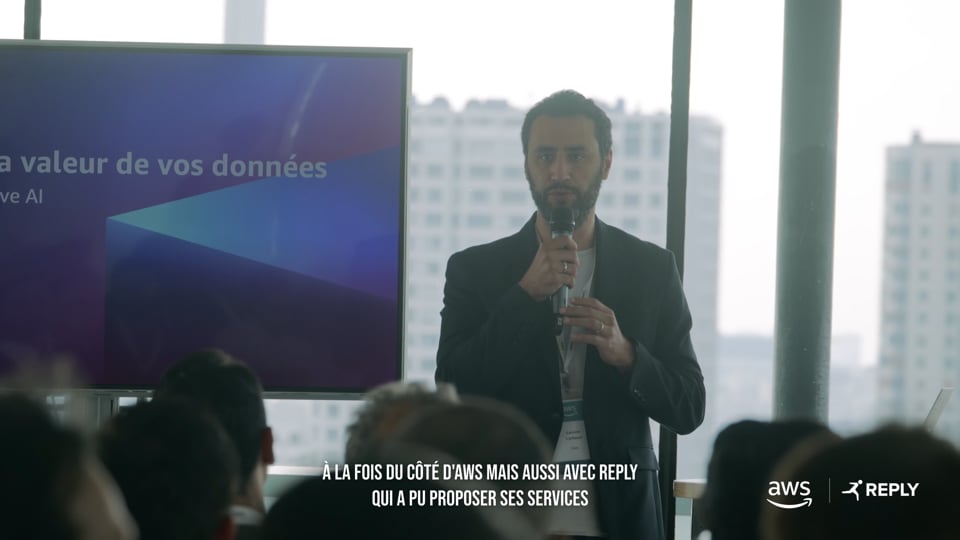
“AWS x Reply – Aftermovie” is a 1 min 55 aftermovie, listed in the SaaS and tech solutions sector. It is presented on the AWS x Reply project page.
Watch it for interviewing during an event: you only have a few minutes per person. In that case, prepare two or three short questions rather than ten.
How much does a video interview cost?
At Biux, a video interview costs €1,200 to €4,000 excl. VAT and is delivered 15 days after the shoot, according to the B2B video price list. The price depends on what you have prepared while reading this article:
- the number of interviewees and locations;
- the setup: one or two cameras, off-camera eyeline or eyes to camera;
- the cutaways to shoot in addition to the interview;
- the number of edited versions: long, LinkedIn, episodes, vertical clips;
- the on-screen graphics and the subtitles.
As a benchmark, a customer testimonial costs between €1,500 and €5,000 excl. VAT, also delivered 15 days after the shoot.
Preparing a video interview? Describe your project in two minutes: Biux will send you a precise quote within 24 hours.
To go further
Before contacting an agency, put your goals in writing: our guide to writing a video brief will help you do so. If your interviews are meant to attract candidates, our employer branding video examples will give you ideas for series. And for a fully scripted address, start with your video script.
Would you rather entrust the preparation and the shoot to a team? Discover our corporate video interview offer, delivered 15 days after the shoot, in Île-de-France and within about 1 hour 30 minutes of Paris.