




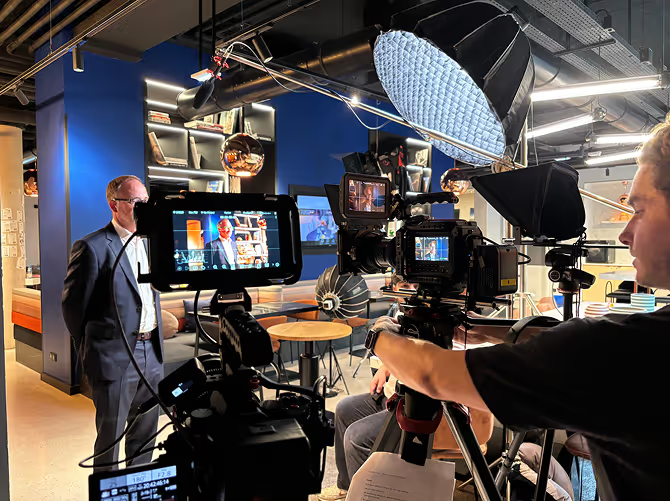


Updated 12 September 2026: reframing a horizontal video, editing mistakes and publishing checks expanded; pricing summary and byline standardized.
The Instagram Reel format is generally prepared on a 9:16 vertical canvas, for example 1080 × 1920 pixels. This production base makes it easier to display on a phone. Readability then depends on the framing, the size of the text and where it is placed. The face, the demonstration and the subtitles must remain visible despite the interface elements. The cover also needs a separate check, because its previews may be cropped. For length, choose the time needed for a useful answer, then check the limits of the account and publishing path used. A maximum length is not an ideal length. Finally, keep a clean master and prepare a distribution export, without successive compression or tiny text. For a B2B company, a good Reel addresses a concrete problem: explaining a decision, showing a feature or voicing a point of view. The technical format serves this answer; it replaces neither the topic, nor the proof, nor the quality of what is said.
The Instagram Reel format spec sheet
Prepare the file using the production settings in the table, then check the parameters of the publishing path you have chosen. A file intended for an ad may have different constraints from an organic post. Keep both uses in your delivery sheet.
| Parameter | Recommended preparation | Status |
|---|---|---|
| Ratio | 9:16 | Production choice |
| Dimensions | 1080 × 1920 pixels | Working base |
| Length | Depending on the answer | Limit to check |
| File size | Depending on the final file | Upload to test |
| Container and codec | MP4 and H.264 | Common export format |
| Frame rate | Match the source | Export check |
| Bitrate | Depending on image and motion | No universal value |
| Cover | Editable composition | Previews to check |
For a YouTube version, use its documented encoding settings. They are not the Instagram specification. For ads, separately check the Reels placement in the Meta guide and the preview in the campaign manager.
Five editing rules for a clear answer
- Announce the topic immediately. Start with a question or a recognizable situation. Avoid an opening sequence that delays the answer.
- Keep one main idea. A specific topic lets you select the useful shots and remove digressions.
- Show proof. A gesture, a screen capture or an example says more than a general promise.
- Preserve the nuances. A cut must not turn a hypothesis into a certainty or remove an important condition.
- End clearly. Sum up the useful point and suggest a next step consistent with the topic.
These rules make the message easier to understand and to follow. A short video can remain confusing if it piles up effects and messages. Also listen to the edit without looking at the picture: the answer must keep its meaning. Then watch it without sound to check what the text actually allows viewers to understand.
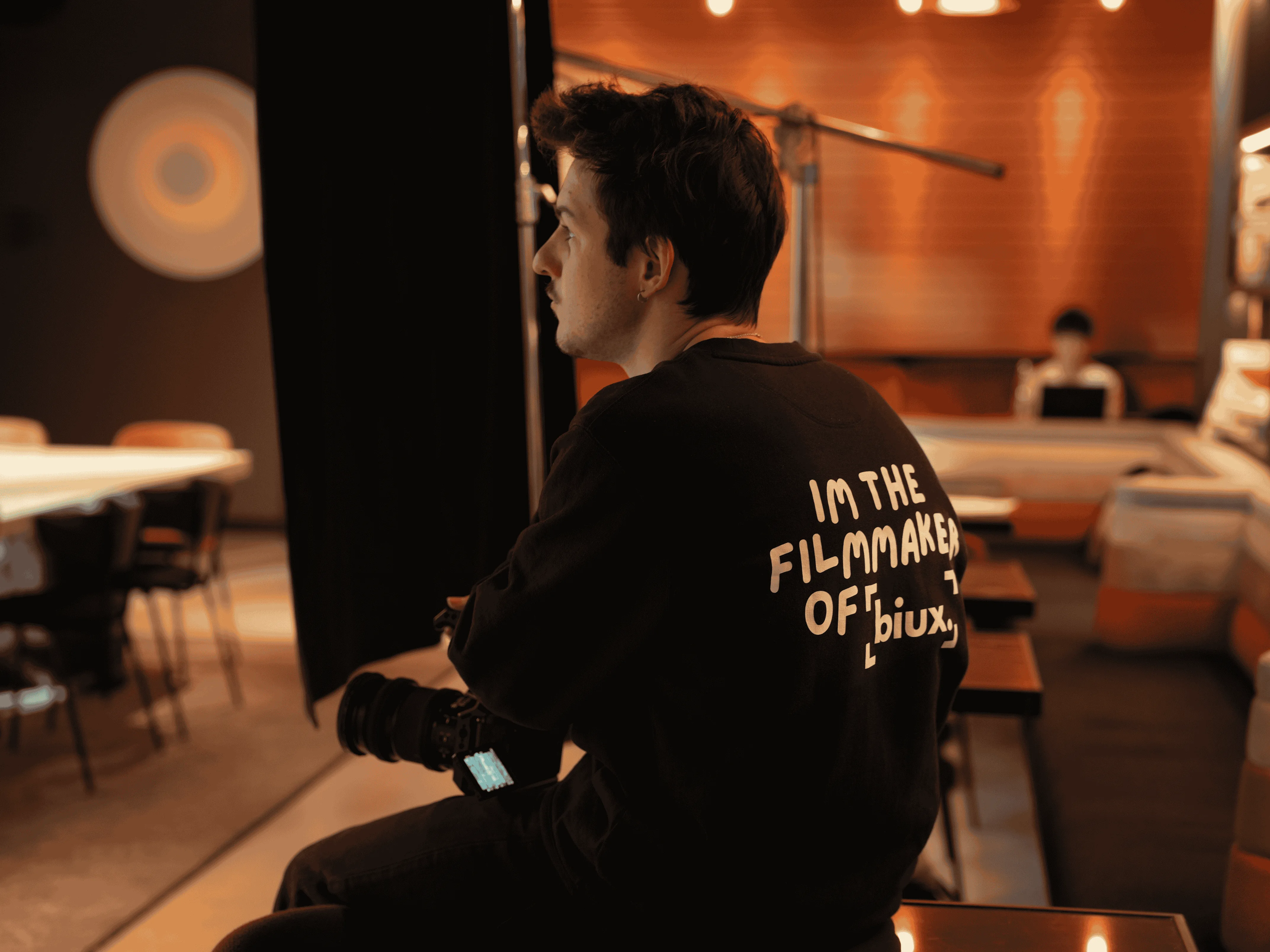
Advice from Kevin Renaud, founder of Biux
“I keep text away from the app’s controls. Then I watch the edit on a phone. This viewing reveals details that are too small and hidden subtitles before delivery.”
How do you frame the face and prepare the cover?
Before filming, check the position of the face, the hands and the object being shown. Leave enough space for the subtitles without moving the speaker unnecessarily far away. For a software capture, choose a readable area of action. A full screen shrunk into a vertical frame often becomes hard to follow.
The cover must identify the topic as a thumbnail. Prepare a central composition, then test the profile and post previews. A 1080 × 1350 pixel image can be used to work on a 4:5 version, but do not present it as the only official cover size. How the previews behave must be checked at the time of publishing.
Keep the graphic file editable. If the crop changes, you can move the title without redoing the video. To compare placements, see our guide to Instagram formats for businesses.
Exporting without degrading your Reel
Start from the source edit, not from a video already downloaded from a social network. Check the sequence dimensions, then export a distribution version separate from the master. Look at small text, movements and gradients: these are good places to spot excessive compression.
Check the local file before uploading it, then the rendering after a test post. If the local version is sharp and the online version degraded, examine the upload path and the platform’s processing. If the local file is already blurry, the problem lies upstream: an insufficient source, excessive enlargement or an overcompressed export.
Biux offers a personal branding pack of 10 videos. The pack lets you build a series of expert talks on complementary topics. The exports are prepared for the uses defined with your team.
Three examples of Biux vertical formats
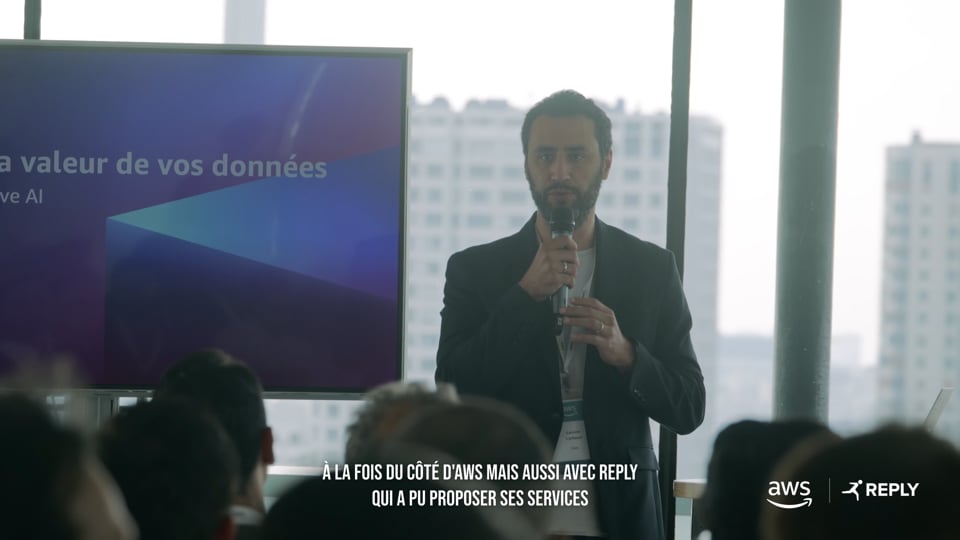
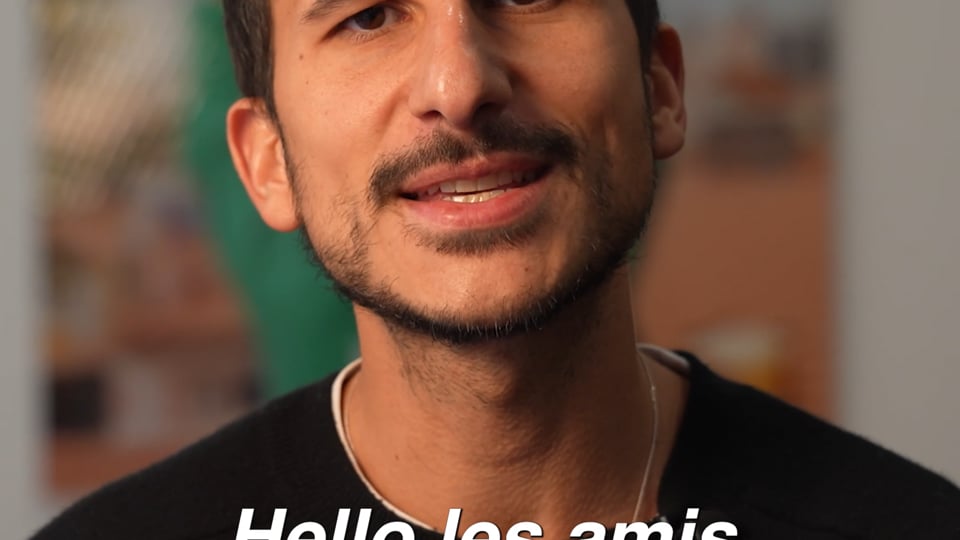
These Biux productions illustrate vertical expert talks. For each video, observe the relationship between the topic, the face and the clarity of the answer. The framing and editing offer concrete ideas for building your Reels.
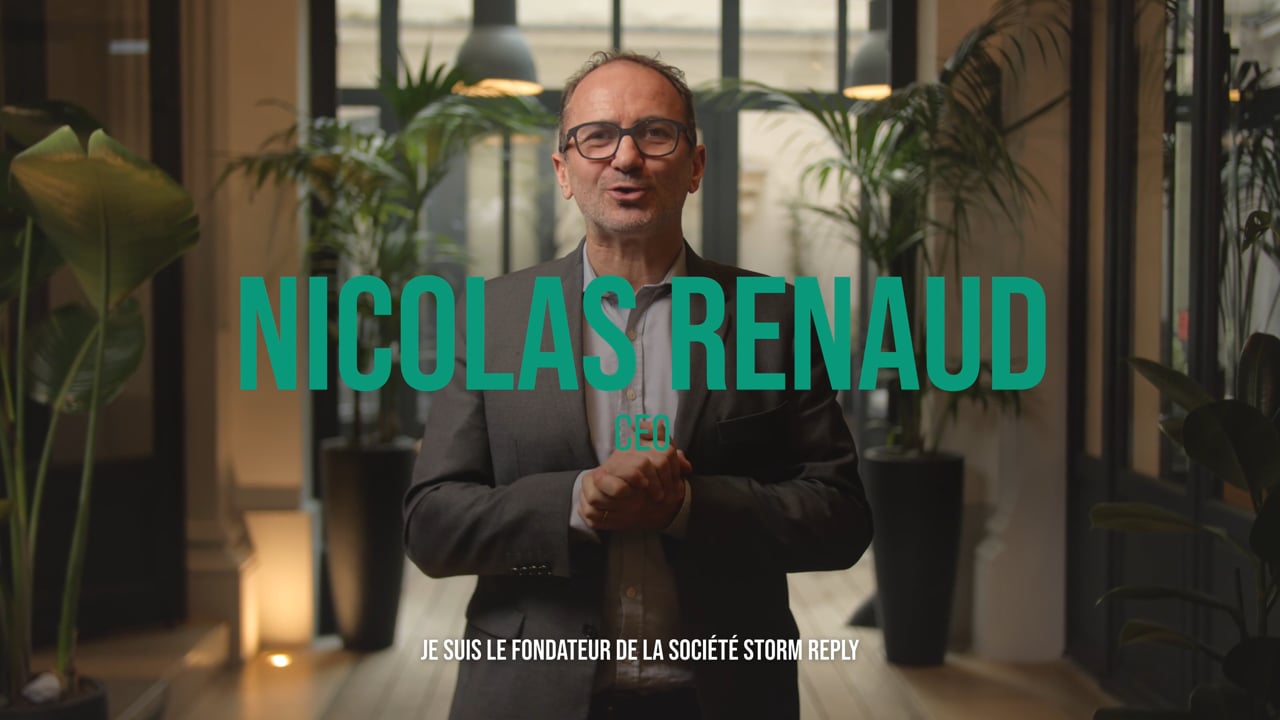
5000.dev: developing an expert idea
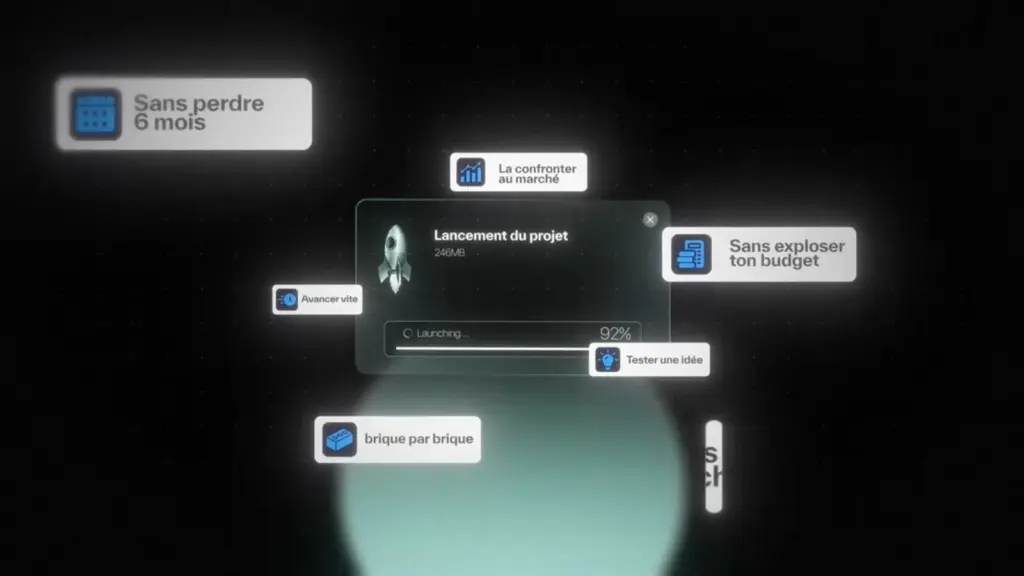
5000.dev sets out the questions to ask before a technical project, in 2:09. This talk illustrates a structured answer.
0:00 problem · 0:15 questions to ask
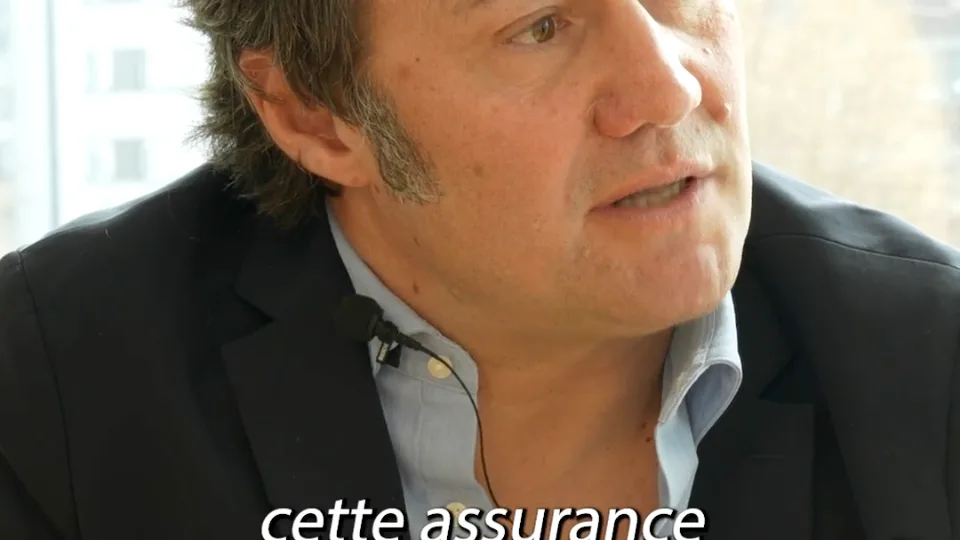
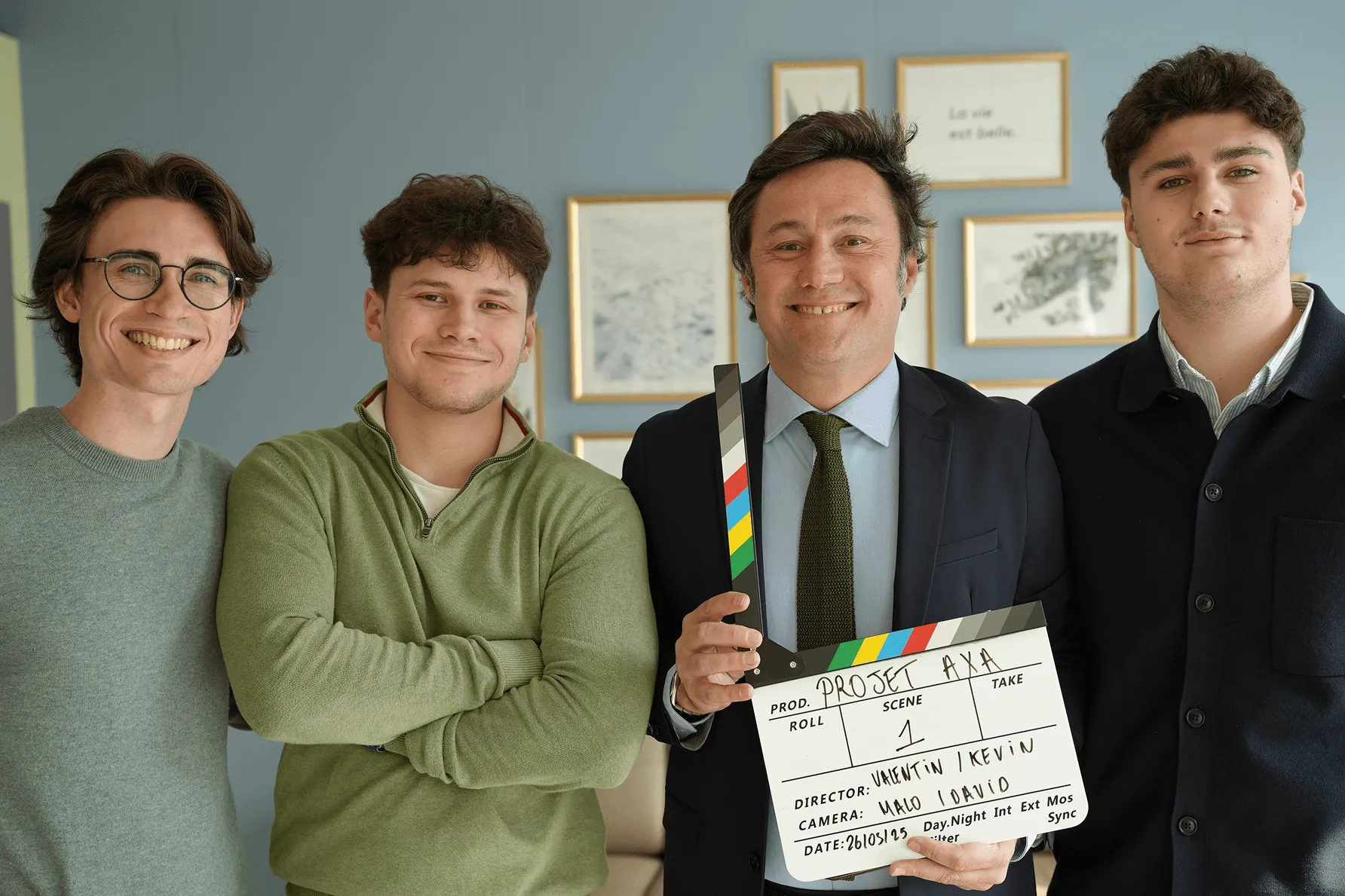
AXA: making a voice recognizable
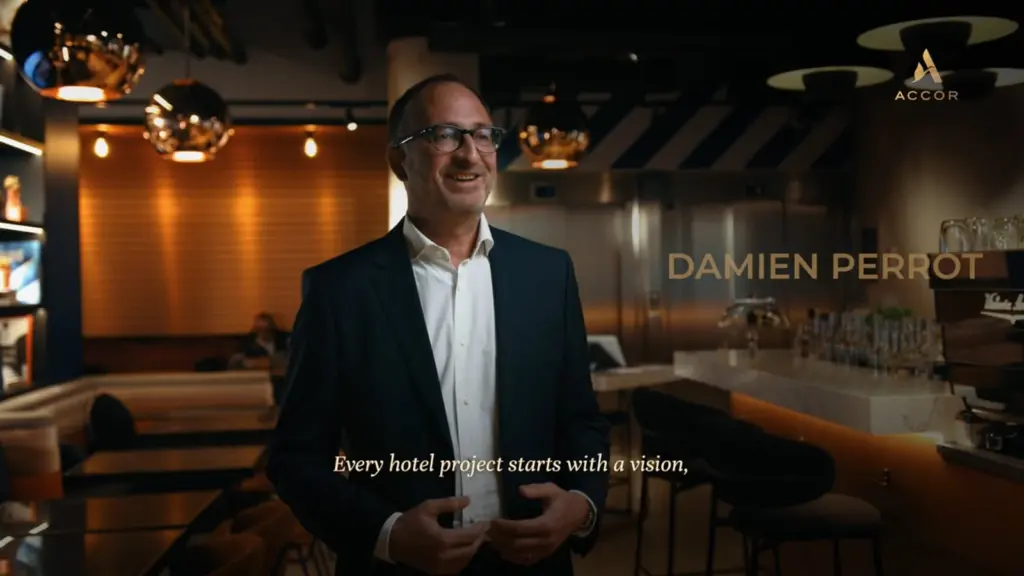
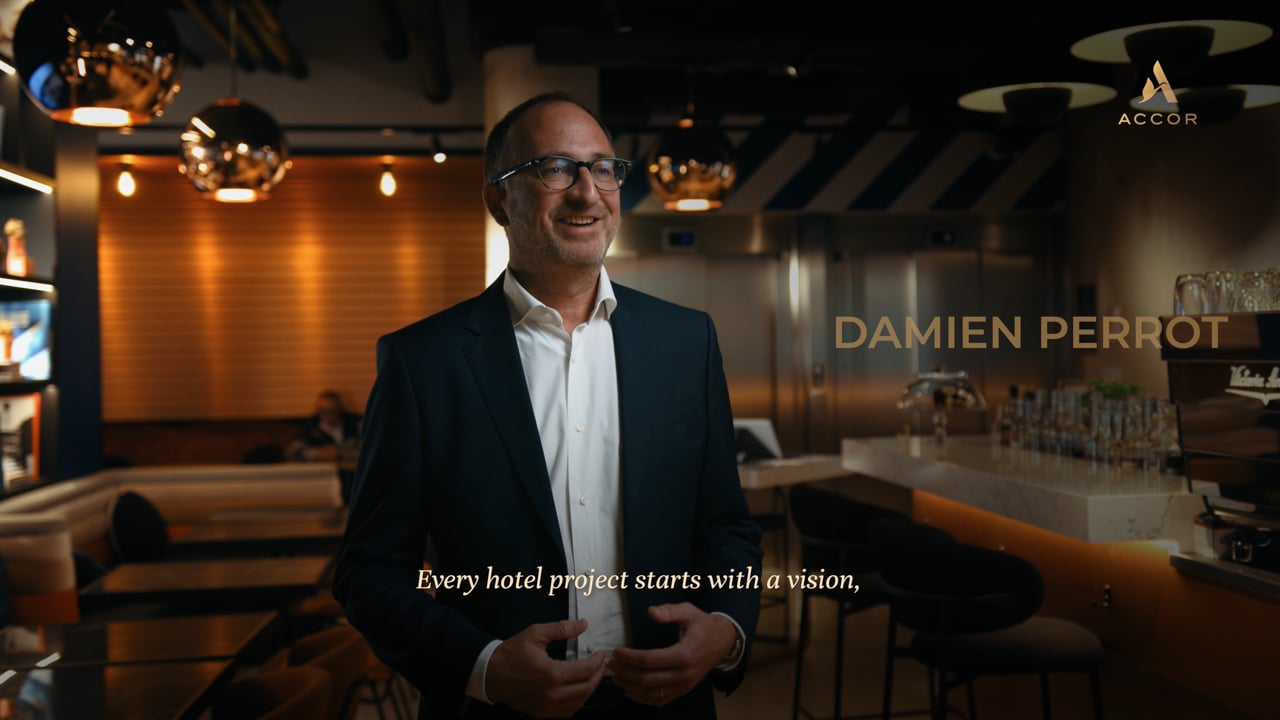
AXA tackles a misconception about life insurance in 36 seconds. The dialogue shows how to start from an objection to build a short explanation.
0:00 objection · 0:08 explanation
Mobile Club: developing a point of view
Also read: B2B snack content.
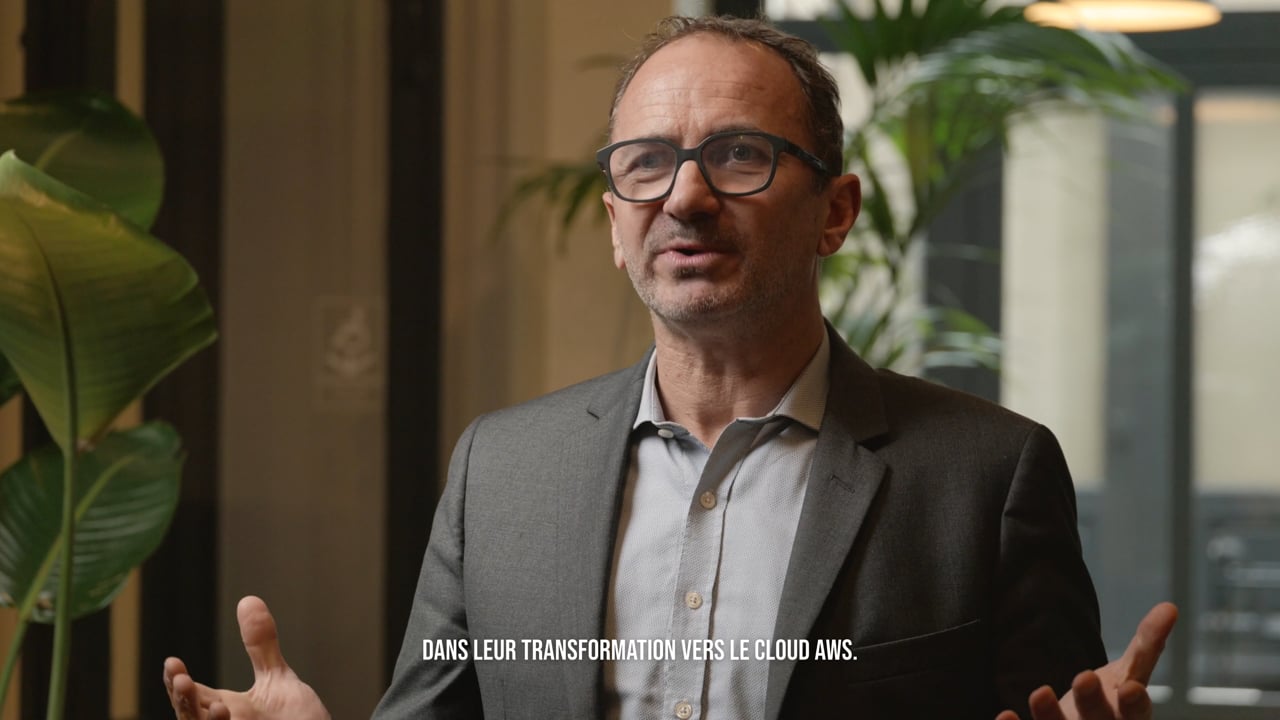
Mobile Club contrasts two visions of entrepreneurship in 1:27. This first-person reasoning illustrates expertise content rather than a product announcement.
0:00 entrepreneurial choice · 0:34 the long term
The final check on a phone
Before approving, watch the video on a phone without enlarging it. Can you read the text at the planned pace? Does the subject remain identifiable when the playback controls appear? Important words must not disappear behind a button or the post caption.
Also listen to the first and last sentences. A cut that is too tight can clip a consonant or make the conclusion abrupt. Check that the ending does not contain an old date, a wrong address or a screen intended only for internal review.
If several people post for the company, send the file with a short sheet: topic, cover, approved caption and destination. The file name must distinguish the vertical version from the landscape version. This simple organization prevents a good edit from going out with old graphics or a promise that no longer matches the content.
Finally, keep the master and the editable elements according to the agreed terms. A cover correction should be possible without starting again from a copy already compressed by a social network.
Preparing a Reel from an existing horizontal video
Start by tracking down the shoot files or the editing project. A copy downloaded from a social network sometimes combines heavy compression with text that is already burned in. It leaves less freedom to move a name, correct a subtitle or isolate a demonstration. Also ask which versions were approved and which uses are authorized. The right starting point is a clean source, together with its editorial context, not simply the last file received by messaging.
Then watch the entire film and identify an answer that can stand on its own. A corporate video may contain an interesting explanation, but surrounded by introductions the Reel does not need. Note the question addressed, the start of the answer, the proof and the conclusion. Check the implicit references: “this project”, “this solution” or “as you have just seen” become incomprehensible if the previous sequence disappears. A short sentence of context can solve the problem without turning the excerpt into a new general presentation.
Duplicate the editing sequence before changing its orientation. The horizontal master thus keeps its framing choices, titles and settings. In the vertical version, examine each shot separately. A centered interview, a conversation between several people and a demonstration on a desk are not reframed in the same way. Mechanically shifting the whole sequence to the center can keep the face while cutting out the gesture that explains the point.
| Situation in the source | Adaptation to try | Point to check |
|---|---|---|
| Single speaker | Reframe around the face and the useful gestures | Keep some headroom above the head |
| Conversation between several people | Alternate framings according to who is speaking | Make it clear who is speaking |
| Software demonstration | Isolate the area where the action takes place | Keep the result and its explanation readable |
| Product shown by hand | Recompose the shot around the gesture | Do not cut the decisive handling |
| Text already burned in | Go back to the source without graphics | Retrieve the editable graphic elements |
When the subject moves, follow the movement with a measured reframe. The frame should accompany the action, not swing constantly to chase every glance. Watch the shot at normal speed before judging the adjustments. Framing that looks perfect on a still frame can become tiring during playback. If the useful action still cannot be shown, prefer another shot or a composition that keeps more of the original image. Filling the frame matters less than understanding.
Safe zones are not just a margin downloaded once and for all. They correspond to the space that remains readable in the chosen publishing context. Place essential information away from the controls, the account name and the post caption. Prepare a preview with these elements visible, then check the beginning, the shot changes and the conclusion. A title well placed at the start can end up over a face when the composition changes.
Recompose the subtitles after reframing, rather than shrinking those of the landscape version. Break them up according to units of meaning: a product name, a negation or an important detail must be read together. Choose a contrast that holds up on light shots as well as on dark ones. Avoid moving words from one position to another for no reason, because the reader then has to look for the text while following the demonstration.
Also check how the voice and the image relate. When the speaker says “here”, viewers must see what they are pointing to. If they compare several options, the reframe must not show only one of them. For an interface, a close-up of the action can be followed by a view of the result. This alternation preserves the meaning without having to display the whole software in too narrow a space. Do not replace missing information with a spectacular zoom effect that does not explain it.
Finish with a review separate from that of the horizontal film. Listen to the answer without looking at the screen, then watch the Reel without sound. Check the names, the cover, the end of the message and the destination of the call to action. Have this version approved as a deliverable in its own right: the change of frame and the new cut can alter how it is understood, even if all the images come from a film that has already been approved.
Finally, send the export with clear publishing instructions. The file, the cover and the caption must carry the same topic and the same version. Tell the person publishing which information must not be covered by something added in the app. Keep the project editable so you can correct a wording or a placement from the source, without re-encoding a succession of compressed copies.
5 mistakes that make people ignore a corporate Reel
A Reel can be technically accepted and still give no reason to keep watching. To find what is blocking, look at the path offered to the viewer: do they understand the topic, recognize their problem and get an answer? The following mistakes concern this path. They are not an algorithm recipe and do not promise a number of views. They provide concrete checkpoints for improving an edit before it is published.
An opening that presents the company before presenting the problem
A string of logo, slogan and job title demands attention before explaining why it matters. Start with what the speaker is going to clarify: a difficulty encountered in their work, a decision to be made or an expected demonstration. The company’s identity can appear discreetly in the graphics. It does not need to stand between the viewer and the answer. Reread the first sentence on its own: if it would suit any player in the sector, make it more specific.
For a company that sells software, “discover our innovative solution” mainly describes a sales intention. Showing a difficult task, then how to accomplish it, gives an observable topic. This opening must nevertheless remain faithful to what follows. Do not promise a full demonstration if the video is limited to a general testimonial. Consistency between the announcement and the proof matters more than a spectacular hook.
Fast-paced editing that removes necessary explanations
Removing hesitations can clarify an answer. Removing the reasoning that makes it credible has the opposite effect. Keep the links between the problem, the decision and the result shown. A cut must preserve the negations, the conditions of use and the limits actually expressed. If a technical word needs a definition, add a readable explanation or choose a simpler topic; speeding up the delivery does not make that word more accessible.
Also assess the cutaways. A decorative detail can hide an audio cut, but it does not automatically prove the sentence being heard. Favor a work situation, a manipulation or a concrete element related to what is being said. Viewers should not have to work out on their own the relationship between a statement and a series of mood shots. Each visual change can move the explanation forward or offer a breather, without becoming a systematic effect.
Subtitles that are there but hard to read
A tiny, overly dense subtitle, or one placed under an app control, does not do its job. Check readability on the phone used for testing, with the publishing rendering visible. Simplify the presentation, not the meaning of what is said. An unfamiliar abbreviation may call for rewording the statement, while a brand name requires an exact transcription. Automatic subtitles are a basis to proofread, not an editorial approval.
Also avoid competition between several layers of text. If the person is speaking, a large title comments on their sentence and an interface already contains labels, viewers no longer know what to read. Decide which information should be followed first. Delay the appearance of a title, simplify an insert or show the demonstration before returning to the face. More discreet graphics can make an explanation much easier to follow.
An excerpt that depends on missing context
An answer that is convincing in a full interview can become obscure when it starts with “yes, exactly”. Keep the useful question in a clear form, spoken or written, then let a self-contained answer be heard. Identify the person when their position explains their point of view. If they mention a particular case, keep the elements that distinguish this case from a general promise. The excerpt must be understandable to someone who has not seen any other video in your series.
Check the last sentences with the same care. An ending cut before the nuance can make the speaker say more than they actually claim. A conclusion that refers to “the rest of our presentation” offers no clear destination in a standalone Reel. Rework the transition with the agreement of the person filmed or choose another passage. Reuse must preserve the faithfulness of the testimony as much as its editorial interest.
A conclusion that asks for too many different actions
Subscribing, commenting, visiting the website, downloading a document and requesting a quote are not the same step. Choose the next step that genuinely extends the answer. A demonstration can lead to a product page; an expert talk can invite viewers to read more detailed content. Match this invitation to what the placement used allows. Text burned into the image does not become a clickable link just because it looks like a button.
- Topic: the opening announces an identifiable question and the video answers it.
- Proof: the shots show something that supports the explanation.
- Readability: important words remain visible during normal viewing.
- Self-sufficiency: the excerpt keeps its meaning without the original film.
- Next step: the conclusion suggests a consistent, understandable and feasible action.
Use this list during internal review and note a specific correction for each difficulty encountered. “Make the video more dynamic” leaves a lot of room for interpretation. “Start with the customer’s question and keep the demonstration on screen” gives the editor a usable direction. This precision makes feedback easier and lets you judge the next version on how well the message is understood, rather than on a general impression.
Want to prepare a series of short videos from your areas of expertise? Discover how we help you grow your visibility with video, with formats suited to your channels.