

Updated 12 September 2026: added history, animation types, training choices, images and FAQs.
Motion design brings graphic elements to life to explain a subject, present an idea or make a message recognisable. It can animate text, shapes, illustrations, interfaces and 3D objects. For B2B companies, it helps explain software, show a process or present an offer that is difficult to film. Choosing 2D or 3D depends on the subject, not an automatic hierarchy of quality. Start with the message and script before choosing software. Even attractive animation can be hard to follow if it contains too much information. Prepare the facts, supporting evidence, distribution versions and approval stages. Motion should help the audience follow the idea without concealing its limits or inventing product features.
What is motion design useful for in B2B?
Motion design becomes useful when movement explains a relationship. Something enters a system, information travels, or one step follows another. Animation can direct attention and reveal a mechanism that would be difficult to capture with a camera.
It can also make an offer easier to grasp. Explaining software does not mean displaying its entire interface. Choose a use case, isolate the action and show what it achieves. A tour of every feature can lose the viewer before the underlying problem becomes clear.
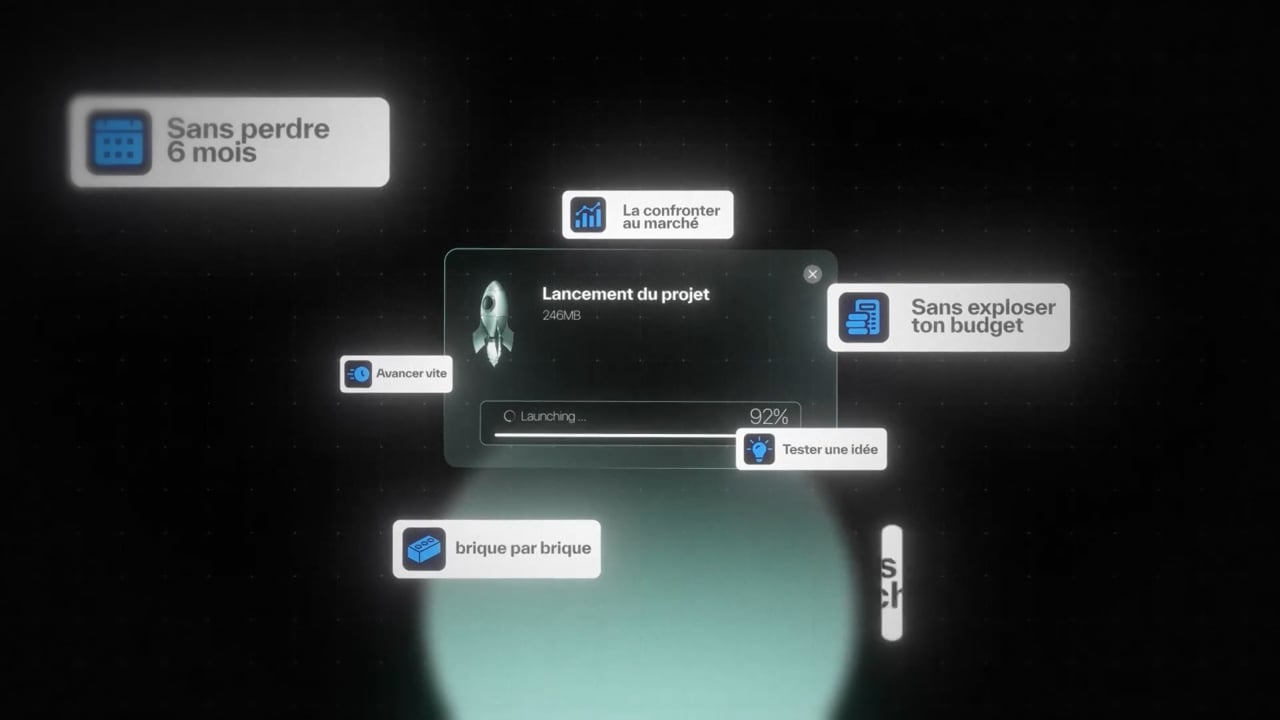
The technique also suits abstract subjects such as data, organisational structures, services and methods. The challenge is to avoid substituting a vague metaphor for an explanation. If glowing dots move between shapes, viewers need to understand what those dots represent and why the movement matters.
A useful test is to explain the script without animation. If the proposition remains confusing, movement will not automatically fix it. Start with a sentence that is useful to the audience, then choose images that support it.
2D or 3D motion design: how do you choose?
2D primarily works with graphic elements on a plane. 3D builds volume, lighting and viewpoints. The techniques can be combined: a technical presentation might use a three-dimensional model to reveal an assembly and text to explain its stages.
| Criterion |
|---|
| Usage |
| Published budget |
| Reference running time |
| Schedule |
| Watch point |
The production takes 15 days after storyboard approval for the 2D motion design and 3-5 weeks for the 3D. The schedule links script, storyboard, visual elements creation, animation and sound finishing. Validate the scenes before their animation to focus the feedback on the right elements.
Choose 3D when it adds useful information or a meaningful visual presence. A model can reveal a product from an angle that cannot be filmed. It also requires careful approval of shape, materials and detail. A stylised representation should not be mistaken for a technically exact demonstration when that is not its purpose.
Advice from Kevin Renaud, founder of Biux
“I ask for approval of a still scene before animating it. If the message is unclear, movement will not rescue it. I first clarify the wording, the useful elements and their visual hierarchy.”
Where does motion design come from?
Film title sequences combine typography, shapes and rhythm to introduce a visual world. Adobe traces this history, including the work of Saul Bass and Elaine Bass.
Television graphics extended the idea of an identity in motion. Digital tools later brought it to websites, interfaces and social platforms, where animated elements help organise attention.
Six types of motion design
| Type | Usage |
|---|---|
| 2D | Explain a service |
| 3D | Show volume and materials |
| Kinetic typography | Give spoken words a hierarchy |
| Animated infographics | Make data readable |
| Logo animation | Express a brand identity |
| Live-action combination | Connect people and explanations |
Learn motion design in-house or outsource it?
Build internal skills for recurring modules that need regular updates. Outsource missing expertise such as scripting, art direction or animation. Decide who approves the message and who maintains the files afterwards.
Twelve creative approaches for your offer
These are possible creative approaches, not twelve Biux client references. Use them to turn a general wish for animation into a more useful brief.
- The user journey: show the stages of a useful action without touring the entire interface.
- The process: make a sequence of operations and their dependencies visible.
- The comparison: explain two approaches using equivalent criteria.
- The practical problem: establish a difficulty before showing a response.
- Data in context: animate a figure while retaining its source and scope.
- The organisational diagram: show who is involved and how information moves between them.
- The product in three dimensions: present a shape, a material or an assembly.
- Animated typography: give rhythm and hierarchy to a short statement.
- The explained metaphor: use a simple image without losing the meaning of the service.
- Training: isolate a rule or procedure so it is easier to remember.
- The launch: introduce something new and state when it is actually available.
- The modular series: answer several questions within one consistent visual identity.
For each approach, write down what viewers already need to know and what they should understand afterwards. That gap defines the film’s job. If you need to explain unrelated offers, consider separate modules instead of accumulating subjects in one video.
Five motion design examples produced by Biux
These Biux animations use different graphic treatments. Look at the information hierarchy, pace and relationship between text, voice and images to define the style of your own project.
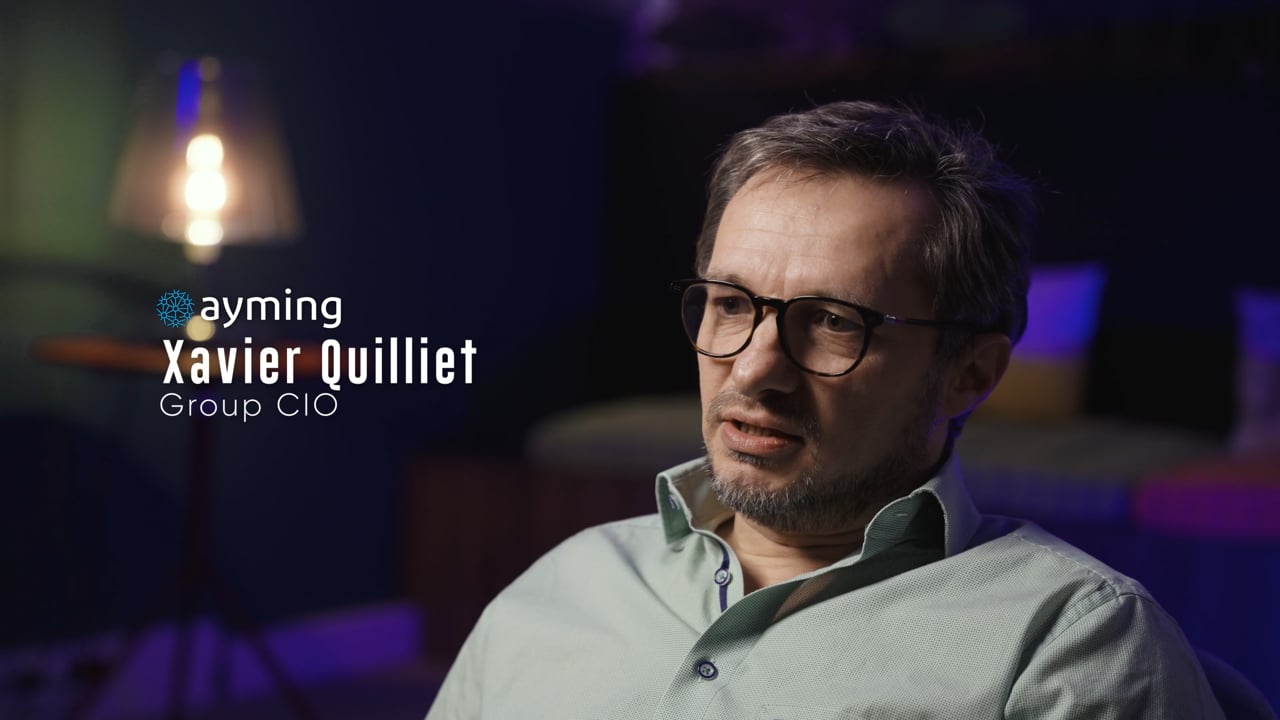
Predilis: introducing health-related software
Le Predilis motion design film shows an approach to presenting a software service. For your own project, establish the user and situation before listing features. Technical information becomes useful when it answers a question the audience already understands.
Predilis presents prevention journeys and interfaces in 2 minutes 5 seconds. Motion design gives the software’s uses a clear visual structure.
0:00 needs · 0:30 interfaces · 1:00 prevention journeys
Reemo: making a software offer understandable
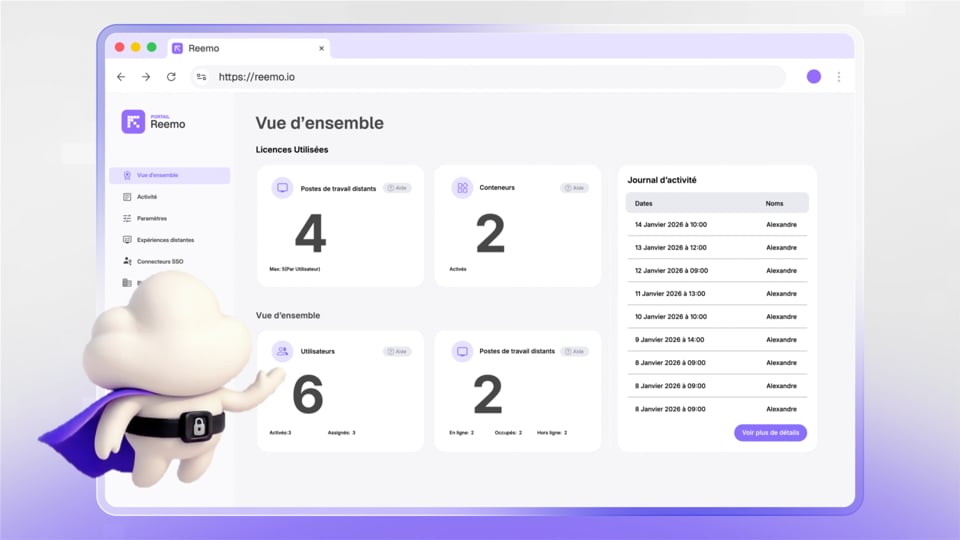
The Reemo project is another animated presentation reference. Notice how the material can be arranged in stages. In your brief, separate the benefit viewers need to understand from the full list of available features.
Reemo presents remote access and its interfaces in 1 minute 19 seconds. Animation turns a technical operation into a visual journey.
0:00 remote access · 0:22 interfaces · 0:45 uses
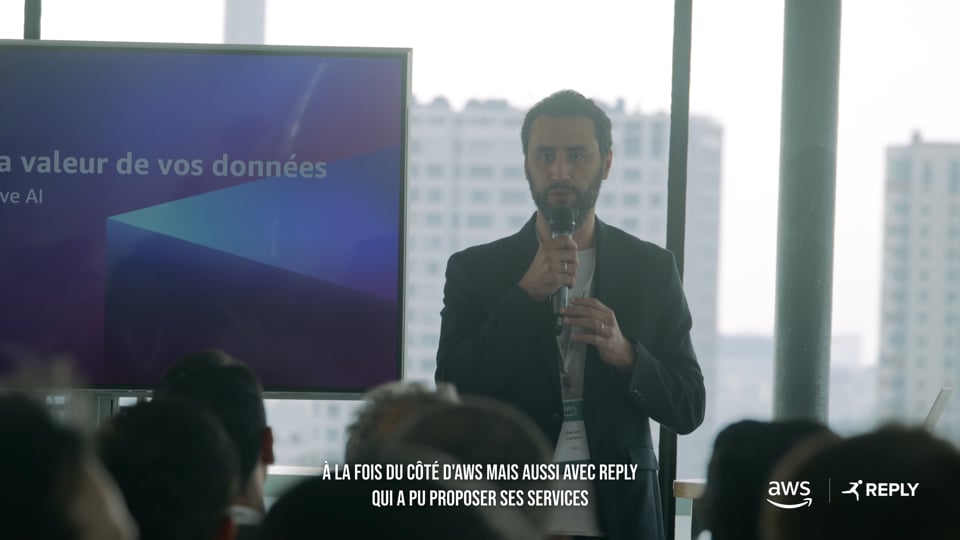
Reaply: making the proposition clear
Le Reaply motion design film introduces a software offering. When presenting a new service, make sure the opening scenes establish the problem. Viewers need to know what is being explained before following the detail.
Reaply presents its software offer in 1 minute 11 seconds. Motion design guides viewers through the interfaces and proposition.
0:00 introduction · 0:25 presentation · 0:50 uses
Klyra Design: creating a graphic world
The Klyra Design production offers another animated treatment to study. Your graphic direction should remain consistent with the brand while making the content easy to read. Colour and pacing do not replace a clear message hierarchy.
Klyra Design presents its web services in 1 minute 20 seconds. The animation connects a presentation problem with a commercial offer.
0:00 problem · 0:30 offer · 1:03 invitation
Omi Day: developing a coherent animation
The Omi Day completes the selection. When reviewing a reference, identify what interests you: the treatment of text, the use of shapes or the transitions. “Make something like this” is not a precise brief and should not become an instruction to copy someone else’s work.
Omi Day presents a marketing journey for restaurants in 1 minute 6 seconds. The animation moves from the problem to the operation and an invitation to a demonstration.
0:00 problem · 0:18 operation · 0:56 conclusion
Ten tools: understand their role before choosing
These tools are not interchangeable. Some are for drawing, others for animation, editing or compositing. The learning level below describes the skills needed to get started. Licence terms change, so consult the publishers before purchasing. A software subscription alone does not determine the cost of a production service.
| Tool | Role in a project | Learning requirements | Model to check |
|---|---|---|---|
| After Effects | Animation and compositing | Dedicated learning | Subscription |
| Illustrator | Vector assets | Graphic design foundations | Subscription |
| Photoshop | Image preparation | Graphic design foundations | Subscription |
| Premiere | Editing and editing | Video foundations | Subscription |
| Figma | Mock-ups and interfaces | Design foundations | Depends on the plan |
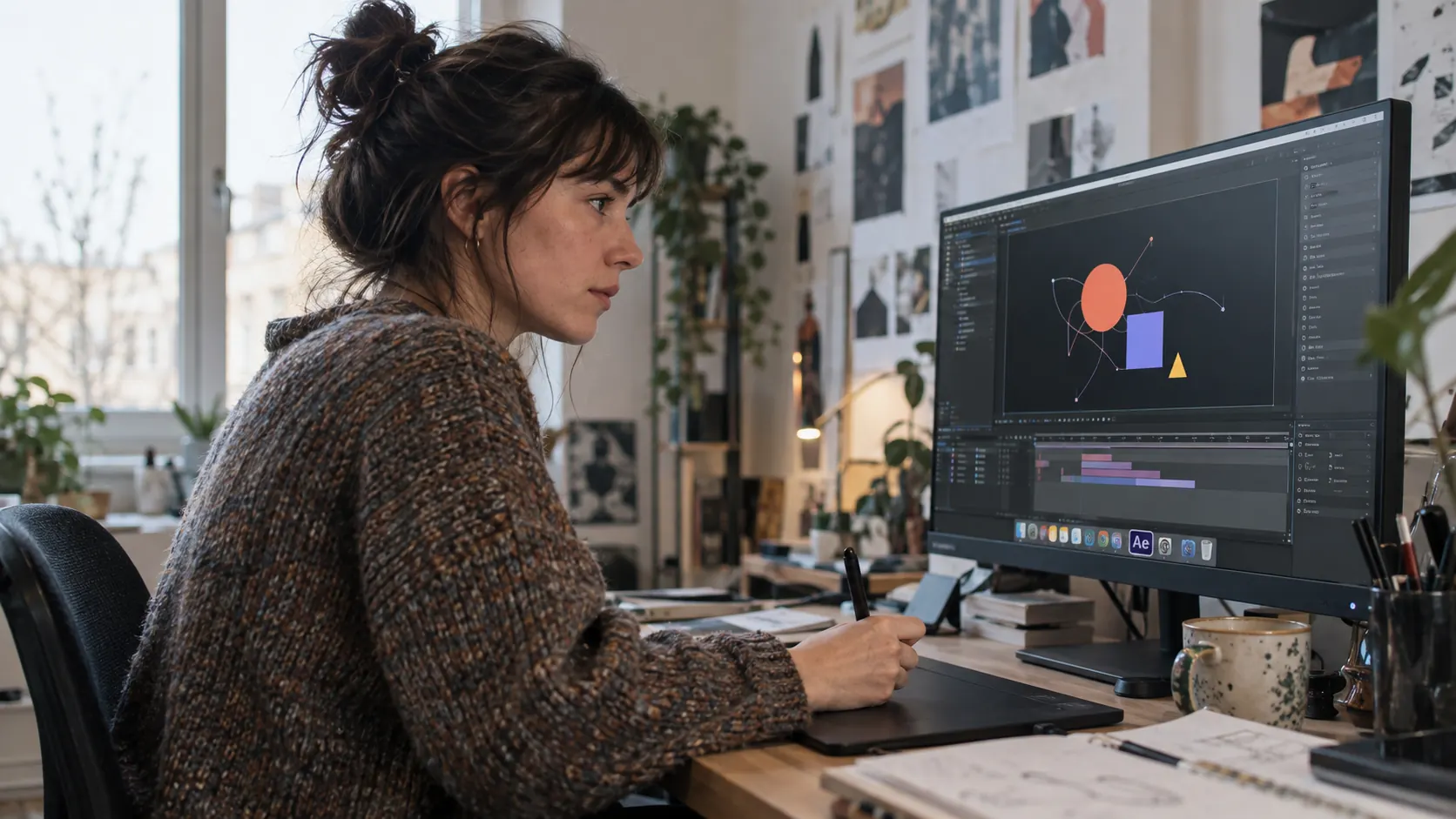
Adobe describes After Effects as a motion graphics and visual effects tool. Assets can be prepared in appropriate design software. Figma is particularly useful for interfaces and mock-ups; it does not automatically replace an entire video animation workflow.
| Tool | Role in a project | Learning requirements | Model to check |
|---|---|---|---|
| Cinema 4D | 3D creation and animation | Specialist learning | Subscription |
| Blender | 3D modelling and animation | Specialist learning | Open-source software |
| DaVinci Resolve | Editing and finishing | Video foundations | Free and paid editions |
| Fusion | Node-based compositing | Specialist learning | Depends on the edition |
| Adobe Animate | 2D animation | Animation foundations | Check publisher terms |
The official pages for Cinema 4D et de DaVinci Resolve explain their respective capabilities. Adobe Animate is in maintenance mode : take that status into account before choosing a tool for a new project. Start with the work required, the team and the files you will need to maintain.
When starting out, learn one operation at a time: organise a composition, animate a property, adjust timing, then export. A template can help explain a project’s structure. It does not remove the need to check licences, graphic consistency and the readability of the final message.
What happens during a motion design production?
The brief comes first. It defines the audience, message, destination and constraints. Writing turns that material into a script. Every scene needs a purpose: establish a problem, show an action, explain a relationship or bring the argument to a close.
The storyboard connects words to images. Style frames allow the graphic direction to be approved before the whole film is animated. This reduces the risk of changing the visual language late in production. A colour may be easy to adjust; a different scene structure can require substantial reworking.
Animation then establishes pace, transitions and movement. Voice, music and sound design should support the message. An interface animated too quickly may be impossible to follow. A well-placed pause can make a data point readable without adding another explanation.
Finally, check the adaptations. Landscape and vertical versions cannot always share the same composition. Text, charts and interfaces may need to be rearranged. Our guide to motion design explainer videos explores how clarity and production work together.
How do you compare quotes and avoid rework?
Ask what is included in writing, design, animation, sound and exports. Specify approvals and language versions. A main film, its crops and a series of new scripts are different scopes of work.
The Biux 2D motion design offer covers a film lasting 60 to 90 seconds. Budget depends on the script, graphic style, scenes and adaptations. For a closer look at cost factors, see our guide to motion design video pricing.
Have the right people review the wording before animation. Changing one term can affect the voiceover, timing and images. Consolidate feedback and identify the final decision-maker. Good approvals are a practical part of keeping the schedule under control.
Plan for maintenance too. If the interface or offer changes frequently, ask how scenes can be updated. Working files, fonts and licensed assets should be addressed explicitly in the scope rather than assumed to be included automatically.
Check understanding before final finishing
Ask someone close to the target audience, but outside the production team, to review the film. Have them explain the offer without watching it again. If they remember the visual world but not the use case, the message hierarchy may need work.
Review every scene with the same question: what should this help the viewer understand? A transition can signal a new stage, a zoom can highlight a feature, and a movement can reveal a relationship. If the movement adds nothing, simplify it to leave more room for reading.
Pay particular attention to charts. A bar, percentage or arrow can imply a result even without an explicit written claim. Use verified data or clearly illustrative representations. An attractive animation should not give a general idea a false sense of numerical precision.
For interfaces, check that buttons, labels and journeys match the product being presented. Simplifying a screen can aid understanding, but unavailable features should not appear to exist. Have those scenes approved by someone who knows the service itself.
Finish by watching on the destination screens. A chart that works on a monitor may be too dense on a phone. Adapt the composition instead of shrinking everything equally. Clarity depends as much on what you remove as on what you add.
This does not replace creative approval. It adds a practical question: does the audience understand the subject in the way you intended? A correction at this stage may be worth more than another visual effect in the final version.
FAQ: understanding motion design
What is motion design in one sentence?
Motion design animates graphic elements to make a message visible and understandable. It can use text, shapes, interfaces or three-dimensional objects. Its value is not just the visual effect: movement should help viewers follow an idea, an action or a relationship between the elements on screen.
How much does a motion design video cost?
The price depends on the scenario, design, animation and deliverables. Ask for a detailed scope to compare equivalent proposals.
How long should a motion design video be?
The Biux 2D offer covers 60 to 90 seconds. The script still follows the subject being explained. A simple answer may need less time, while several uses may justify separate modules. Do not add scenes just to fill a duration. Decide what the audience needs to understand first.
Should you choose motion design or filming?
Filming shows real people, places and situations. Motion design represents processes, interfaces or abstract ideas. The two can be combined. Choose according to the evidence you need to show, the material available and how the content will need to change after it has first been published.
Which software should a beginner choose?
Choose around your goal: graphic animation, 3D or editing. Start with a small exercise in an appropriate tool instead of learning an entire production chain at once. Check licence terms and the publisher’s learning resources. Understanding composition and timing matters as much as knowing which controls to use.
How long does it take to learn motion design?
There is no single timeline. It depends on your design foundations, chosen software and intended level of work. Animating a simple title is not the same task as developing a complete film. Start with a limited exercise, then build skills in composition, timing, transitions and sound finishing.
What is the difference between motion design and animation?
Animation is the broader field of creating apparent movement from images or objects. Motion design is a practice within it, focused on graphic elements and communicating a message. It commonly animates text, shapes and interfaces. The boundaries can overlap, and a single production may combine several different approaches.
Your animation should make your offer easier to understand. Explore our motion design services to develop the script, graphic approach and deliverables your project needs.