
The LinkedIn video format is chosen according to the broadcast: organic publication or advertising. An MP4 file facilitates the preparation, with a square, vertical or landscape frame adapted to the message. The publications accept up to 5 GB and 15 minutes; the Video Ads have their own limits. Prepare subtitles and check the interface areas before publishing.
This article gathers all the official technical specifications, recommended durations by content type, and practices that really make the difference on the B2B feed.
What changed in 2026
A video published on a profile can now be part of a pay-per-view logic without first becoming a Page content. Presented in the LinkedIn news of March 2026, the function of promotion of its own publications includes the videos. Its deployment is progressive. When it is available on the account, the publication becomes an advertisement: its preparation must therefore take into account this advertising use.
For a leader, this means choosing an understandable hook out of his usual network. A reference to a previous conversation, an internal joke or an unexplained acronym may become an obstacle for people who discover the post. The subject remains the same, but the editing must give the necessary context from the first images.
Also prepare permissions, music and versions with subtitles before programming the broadcast. Keep a clean export to make the versions without taking back an already compressed file. In your follow-up, separate the organic results from those obtained through the advertising budget. An increase in views after promotion does not alone demonstrate that the new editing works better.
Why the technical format determines the scope of your videos
The LinkedIn algorithm favors native uploads. A video uploaded directly to the platform benefits from autoplay in the feed, better indexing and organic distribution significantly higher than an external link pointing to YouTube or Vimeo. This is a fundamental rule, often ignored.
The second is mobile consumption. More than 70% of LinkedIn visits are done from a smartphone. A 16:9 video released as it is on mobile displays with black stripes, reduces the visual surface and loses in impact. The choice of the ratio is not a matter of aesthetic preference, it is a strategic decision.
Third, the most underappreciated: the sound. According to LinkedIn Business, 79-80% of videos are viewed without sound. To publish without subtitles is to make your content mute for four out of five viewers.
LinkedIn video generates on average 5 times more interactions than a text or image post. But this leverage only works if the format is technically correct as soon as online. For a complete approach to the personal branding video LinkedInFormat choices are part of a broader content strategy.
Technical specifications: the complete reference table
Here are the two reference tables to keep: one for native organic publications, the other for LinkedIn Video Ads. These two contexts have distinct constraints, particularly on file weight and accepted formats.
Organic native video (feed and profile)
Official aid data on the LinkedIn video sharing. The documentation of the Pages and Career Pages cover videos relates to another location.
| Setting | Value |
|---|---|
| Recommended file format | MP4 (H.264/stroke) |
| Accepted formats | Including MP4, MOV, AVI, WebM and MKV; check the codec in LinkedIn help |
| Min File Size | 75 Ko |
| Max file size | 5 Go |
| Duration min | 3 seconds on computer; 2 seconds in the mobile app |
| Max duration | 15 minutes |
| Resolution min | 256 x 144 px |
| Max resolution | 4096 x 2304 px |
| Recommended resolution | 1920 x 1080 px (Full HD) |
| Accepted ratios | 1:2.4 à 2.4:1 |
| Framerate | 10 to 60 fps |
| Bitrate | 192 kbps to 30 Mbps |
| Audio Codec | AAFC |
LinkedIn Video Ads (sponsored content)
Data from official LinkedIn Marketing Solutions specs (business.linkedin.com).
| Setting | Value |
|---|---|
| File format | MP4 only |
| Max file size | 500 Mo |
| Duration | 3 seconds to 30 minutes |
| Recommended duration to cover advertising placements | 15 to 30 seconds |
| Video codec | H.264/stroke |
| Audio Codec | AAC or MPEG4 |
| Framerate | Less than 30 fps according to Video Ads |
| Ratios supported | 4:5 / 9:16 / 16:9 / 1:1 |
The most important constraint to remember: the 500 MB limit for Ads is strict. The Campaign Manager automatically rejects files above this threshold. In organic, the limit goes up to 5 GB, which is not a problem in practice.
Recommended dimensions by ratio
| Ratio | Main use | Recommended dimensions |
|---|---|---|
| 16:9 (landscape) | Desktop, long content, corporate | 1920 x 1080 px |
| 1:1 (square) | Feed desktop + mobile, best compromise | 1080 x 1080 px |
| 4:5 (constricted portrait) | Mobile-first, feed | 1080 x 1350 px |
| 9:16 (vertical) | Full mobile, immersive | 1080 x 1920 px |
For Video Ads, LinkedIn specifies the ranges of dimensions accepted by ratio:
| Ratio | Dimensions min | Dimensions max |
|---|---|---|
| 4:5 | 360 x 450 px | 1080 x 1350 px |
| 9:16 | 360 x 640 px | 1080 x 1920 px |
| 16:9 | 640 x 360 px | 1920 x 1080 px |
| 1:1 | 360 x 360 px | 1920 x 1920 px |
One point about mobile vs desktop time
The current LinkedIn video sharing documentation sets the maximum duration of a publication at 15 minutes. Pages and Career Pages video file mentions another 10 minutes for this separate location. Use the rule for where you add the file, not a generic limit applied to any LinkedIn.
For LinkedIn Ads, the file can last up to 30 minutes. LinkedIn recommends 15 to 30 seconds to cover the investments of its wire and the Audience Network. This broadcast recommendation does not establish a universal duration guaranteeing more commitment.
Note: on mobile, LinkedIn adds margins around videos published in 9:16 to standardize the display in the feed. This is often ignored in production.
Which format to choose according to your goal?
Technical specs define what is possible. The editorial objective defines what is effective. Here’s how to choose.
brand awareness and personal branding: the 1:1 square
1:1 is the most versatile format on LinkedIn. It is displayed in full width on mobile and occupies more surface in the feed than a 16:9. It maximizes the visual impact without adapting the export according to the device.
Recommended duration: 30 to 90 seconds. Beyond that, the completion rate drops.
Concrete use cases: short customer testimonial, founder portrait, enhancement of a realization. For the projects of personal branding video LinkedIn, Biux systematically exports this ratio from the editing phase.
This LinkedIn video for 5000.dev presents an example of incarnate content for a professional audience. It allows you to examine the place of the face and text before choosing the settings.
Le LinkedIn video client case of 5000.dev details the editorial organisation around these publications.
Employer brand: vertical 4:5 or 9:16
More than 70% of LinkedIn visits are done from a smartphone. The 4:5 and 9:16 adapt to this use by occupying the screen almost entirely, which increases the viewing time.
Recommended duration: 30 to 60 seconds. Authenticity takes precedence over duration.
Use case: employee portrait, immersion in the premises, recruitment announcement. For concrete examples of this format, see our Employer Brand Video Achievements.
For an Instagram version, also check the Instagram Reel format and the areas occupied by the app controls.
Biux produced this Personal branding video for AXA. The filmed word provides a point of comparison to prepare the framings of a professional portrait, without automatically absorbing this content into a recruitment advertisement.
Corporate and institutional content: the 16:9
16:9 remains the reference format for long-form content, perceived as more solemn and premium on desktop. It is suitable for corporate presentations, institutional films and product launches.
Recommended duration: 60 to 180 seconds. The context requires time, the audience viewing this type of content is intentional.
For the projects of Corporate Film LinkedIn16:9 often remains the basis of production, which can then be broken down into 1:1 or 4:5.
Advertising LinkedIn Ads: 1:1 or 4:5
In sponsored campaigns, 1:1 is the most powerful format: compact, strong presence in the feed, desktop and mobile compatible.
4:5 is best suited for mobile-oriented campaigns, especially for on-the-go audiences.
Ideal duration: 15 to 30 seconds for awareness campaigns. Up to 90 seconds for conversion campaigns where the audience is already engaged.
Constraint not to forget: max weight 500 MB, MP4 format only.
If your LinkedIn videos are also for Instagram, compare the Instagram video formats to adapt the scoping, coverage and broadcast versions.
Recommended durations depending on the content type
This is the gap of most of the resources available on the subject: they give a generic "ideal" duration without taking into account the type of content. However, an Ads spot and a corporate film do not have the same rules of engagement.
| Type of content | Recommended duration | Logical |
|---|---|---|
| Awareness / Ads | 6 to 15 seconds | Maximum completion rate |
| Snack content / quick advice | 15 to 40 seconds | Videos under 60 seconds generate 53% more engagement |
| Customer testimonial | 45 to 90 seconds | Credibility comes before brevity |
| Corporate film / presentation | 60 to 180 seconds | Intentional audience, context required |
| Educational or expert content | 90 to 180 seconds | Mid-length optimal for B2B |
| Recruitment Video | 60 to 120 seconds | Authenticity matters more than the short format |
According to LinkedIn, videos less than 30 seconds in length have a 200% higher completion rate compared to longer videos. This figure must be put into perspective: it applies to short formats designed for awareness, not to background content where the duration is justified.
5 Format Mistakes That Penalize Your Videos
Upload in 16:9 without adapting the ratio to mobile
Result: black stripes, reduction of the visual surface, loss of impact in the feed. The solution is simple: export in 1:1 or 4:5 for publications intended for the standard feed.
Exceeding 500 MB for an Ads campaign
LinkedIn’s Campaign Manager automatically rejects files above this limit. The solution: compress to H.264 MP4 before uploading, with a tool like Handbrake or Adobe Media Encoder.
Neglect the subtitles
79% to 80% of LinkedIn videos are watched without sound (source: LinkedIn Business). Without subtitles, the message does not pass for the majority of spectators. Two options: an uploaded .SRT file when published, or subtitles burned directly into the video (open captions) to ensure readability regardless of the player.
Share a YouTube link instead of uploading natively
An external link does not have autoplay in the feed. The organic range is significantly reduced compared to a native upload. Best practice: upload natively on LinkedIn, YouTube serves as a secondary storage or distribution channel.
Ignore the miniature
On desktop, autoplay is not systematic. A generic or fuzzy thumbnail reduces the click-through rate before playback. Recommended specs for thumbnail: 1280 x 720 px (16:9 ratio), JPG or PNG format, max weight 2 MB.
Publication and optimization: the parameters that matter
The format is a necessary condition, not enough. The publication itself influences the distribution.
Best days to post: Tuesday, Wednesday, Thursday. The most engaging slots: 7am-8am, 12pm-2pm, and after 5pm. These windows correspond to the moments of mobile consultation during trips and lunch breaks.
For each video publication, systematically complete:
- The title of the post (150 characters maximum)
- The personalized miniature
- The .SRT subtitle file
A technical point to know: LinkedIn counts a view from 2 seconds of continuous reading, with at least 50% of the player visible on the screen. This criterion directly influences your view rate displayed in analytics.
Finish the video with an explicit call to action. On LinkedIn, the verbal call-to-action ("visit our site", "contact us") remains more efficient than a simple CTA displayed on the screen.
What Biux recommends for your LinkedIn videos
At Biux, we work exclusively in B2B, which fundamentally changes the approach of LinkedIn video. The most common mistake we see: companies that invest in serious production and then publish in a single ratio. The result: a 16:9 corporate video that appears in reduced format on mobile, where the majority of the audience is.
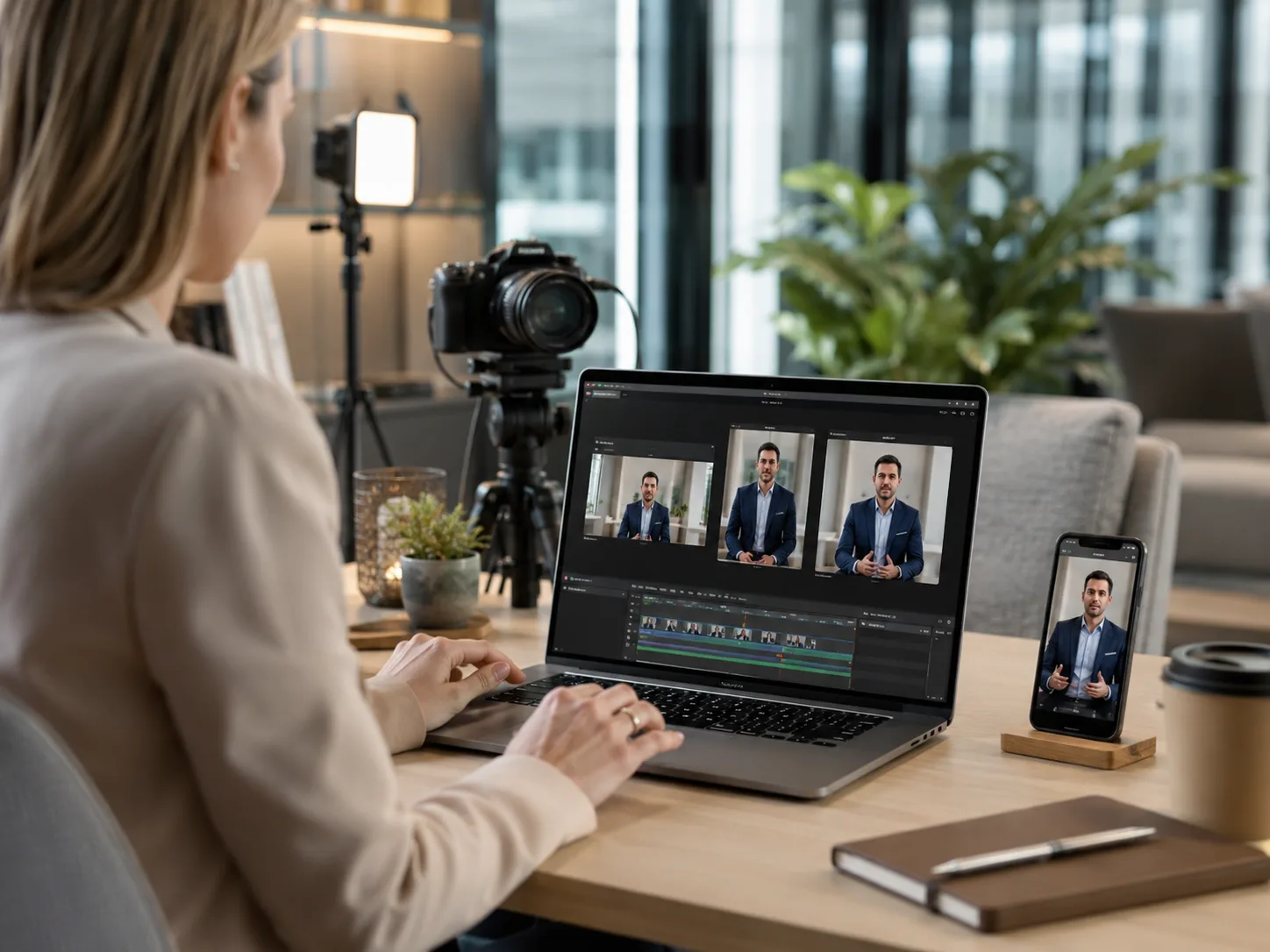
Our approach from a single shoot: deliver several exports simultaneously. The same shot allows to release a 16:9 master for the corporate film, a 1:1 for the LinkedIn posts of the leader, and a 4:5 for the mobile campaigns. The cost of production is not multiplied, but the broadcast coverage is multiplied.
On production quality: LinkedIn technical specs are relatively flexible (up to 5 GB, 4K accepted). It is not the platform that limits quality, it is the level of production. A well-lit, well-framed and well-sounded video holds much longer attention than a poorly-stabilized smartphone video, no matter the ratio. It is this quality differential that translates into engagement and completion metrics.
For your LinkedIn projects, be it Employer Brand Video Achievements or personal branding content, Biux supports companies based in Paris and Île-de-France with a production adapted to the distribution formats from the framing phase.
This Damien Morin video for Mobile Club illustrates a leadership speech. To produce LinkedIn exports of such content, observe the space available around the face and the readability of text items on the phone.
Are you preparing a series of LinkedIn videos? Describe your project in two minutes, Bieux answers you with an cost estimate adapted to the formats and deliverables.
FAQ
How big is the video for LinkedIn?
The maximum size for an organic native upload is 5 GB (minimum 75 KB). For LinkedIn Ads, the limit is 500 MB. The recommended resolution in both cases is 1920 x 1080 px (Full HD). For the ratio, the 1:1 (square, 1080 x 1080 px) offers the best compromise between desktop and mobile display.
What is the maximum length of a video on LinkedIn?
A native video publication can last up to 15 minutes. The minimum is 3 seconds on computer and 2 seconds from the mobile app. Video Ads accept up to 30 minutes, with constraints specific to certain placements. Then choose an editorial duration that allows you to deal with your subject without multiplying the repetitions.
What ratio to choose for a LinkedIn video?
1:1 (square) is the best compromise: it is fully displayed on desktop and mobile, occupies more space in the feed than a 16:9, and is accepted organically as well as in Ads. 4:5 or 9:16 is preferred for mobile-first content (employer brand, recruitment). 16:9 is still suitable for long-form, institutional or desktop-first deployment.
Do I need to add subtitles?
It’s not a technical requirement, but it’s essential in practice: 79-80% of LinkedIn videos are watched without sound, according to LinkedIn Business. Without subtitles, your message does not pass for the vast majority of viewers. LinkedIn accepts subtitle files in .SRT format. The recommendation is to use subtitles engraved directly in the video (open captions) to ensure readability regardless of the device or player.
How much does it cost to produce LinkedIn videos at Biux?
The personal branding Biux pack includes ten videos. It concerns incarnate speeches, not all LinkedIn content. The creative ads pack is distinct, with its variants and ratios, out of media purchase. The choice depends on your objective and expected deliverables.
What should be planned before you shoot a LinkedIn series?
Prepare the topics, filmed people, broadcast platforms and expected variations. Separate the organic statements from the advertisements to be produced, then specify the subtitles, music and validations. At Biux, the time frame for the creative ads package is 15 days after filming. A joint brief provides a framework for production and exports.